These twelve quarterly and timeline roadmap templates cover quarterly views, monthly breakdowns, annual plans, and Gantt-style timelines. All are free downloads in PowerPoint, Google Sheets, and Google Slides. Use the quarterly format for leadership reviews, monthly views for near-term execution tracking, and timeline views for presentations to non-product stakeholders.
Time-based roadmaps are still the most requested format in product management. Stakeholders want to know what ships in Q1, what is planned for Q2, and whether the team is on track against the annual plan. The debate about whether roadmaps should have dates misses the point. Some audiences need dates, and these templates give them dates in a structured way that does not devolve into a feature promise list. For a step-by-step guide to building time-based roadmaps in Sheets, see how to build a roadmap in Google Sheets. If you prefer a date-free format, see the now-next-later roadmap type.
What are the best quarterly roadmap templates?
The quarterly format is the standard for most product organizations. It balances enough specificity to be actionable with enough flexibility to absorb changes. This format balances structure with flexibility for most teams.
Quarterly Product Roadmap (PowerPoint)
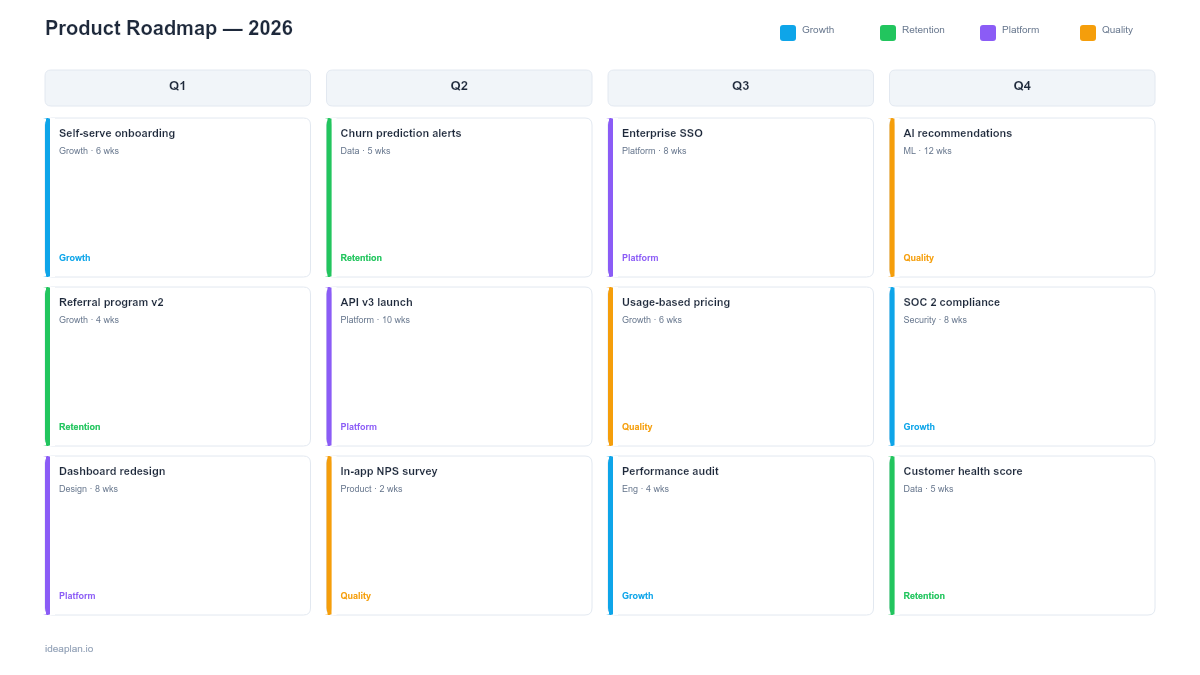
The quarterly product roadmap organizes initiatives into Q1 through Q4 columns with strategic themes and progress indicators. Each quarter shows committed initiatives, their owners, and status. The PowerPoint format is presentation-ready for leadership reviews and annual planning meetings. This is the single most-used roadmap template in product management. Nearly every product team creates some version of this view.
Quarterly Roadmap (Google Slides)
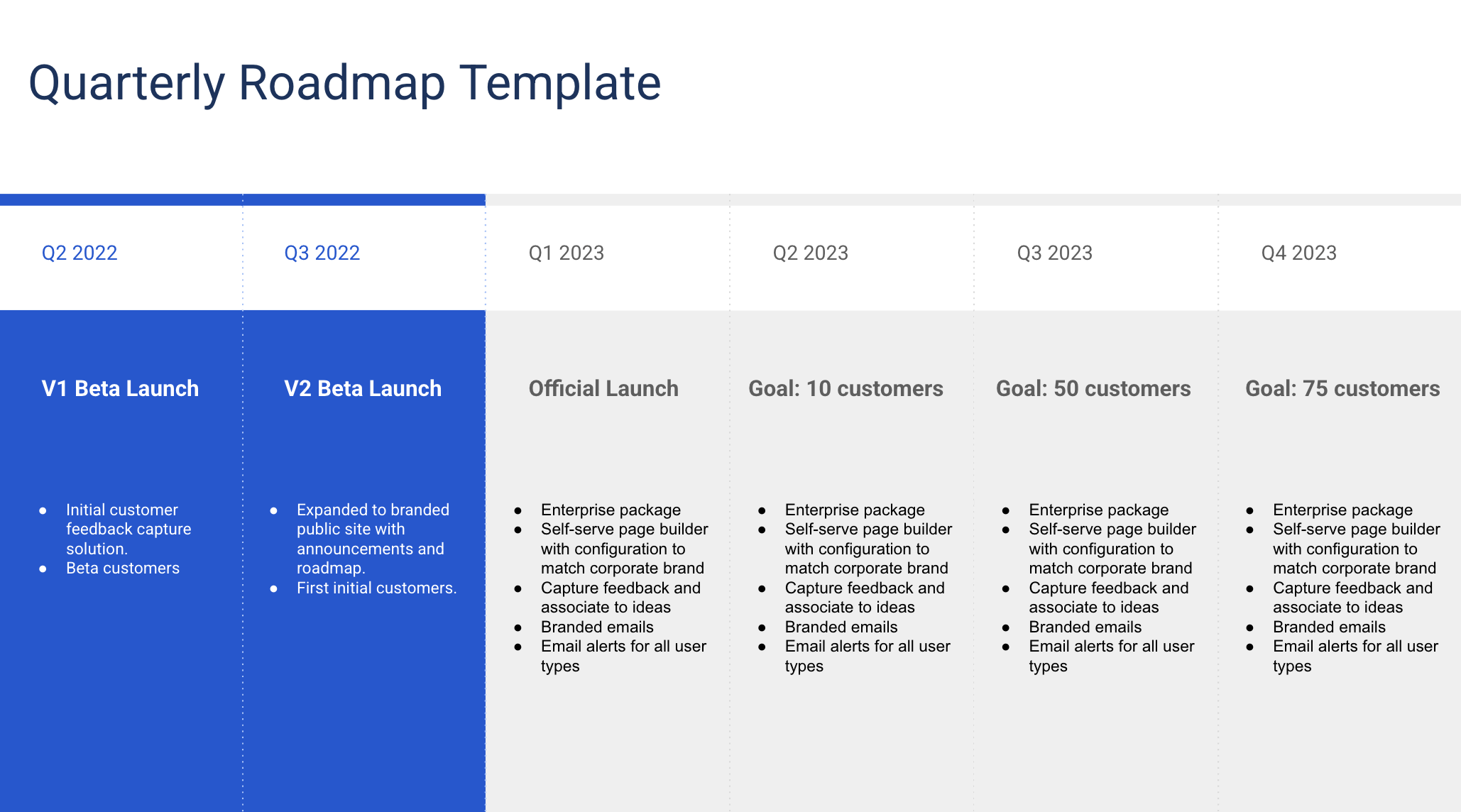
The Google Slides version supports real-time collaboration during quarterly planning sessions. Multiple product managers can update their section simultaneously, and the comment system supports async review from leadership. Use this version when quarterly planning is a collaborative exercise rather than a top-down assignment. Works well with OKR-aligned planning.
Annual Planning Roadmap
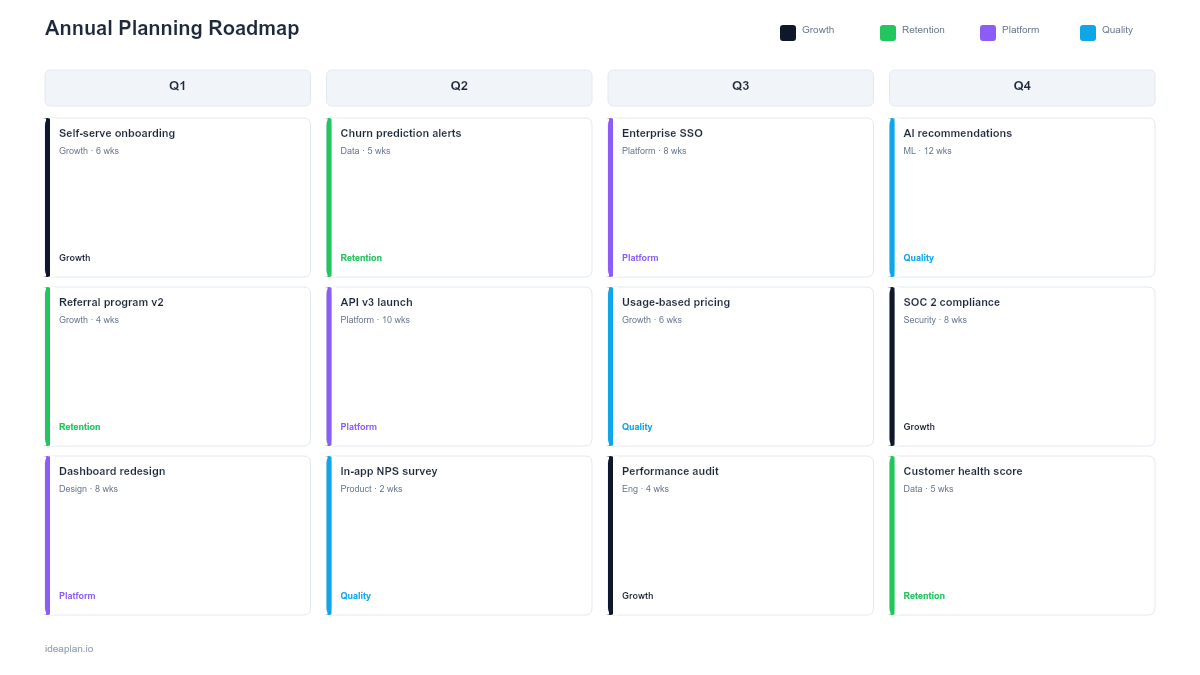
The annual planning roadmap takes a full-year view organized by quarter with strategic themes at the annual level. It includes resource allocation indicators and investment balance across themes so leadership can see where the year's capacity is being spent. Use this at the start of the fiscal year during annual planning, then break it into quarterly roadmaps for execution.
Budget Planning Roadmap
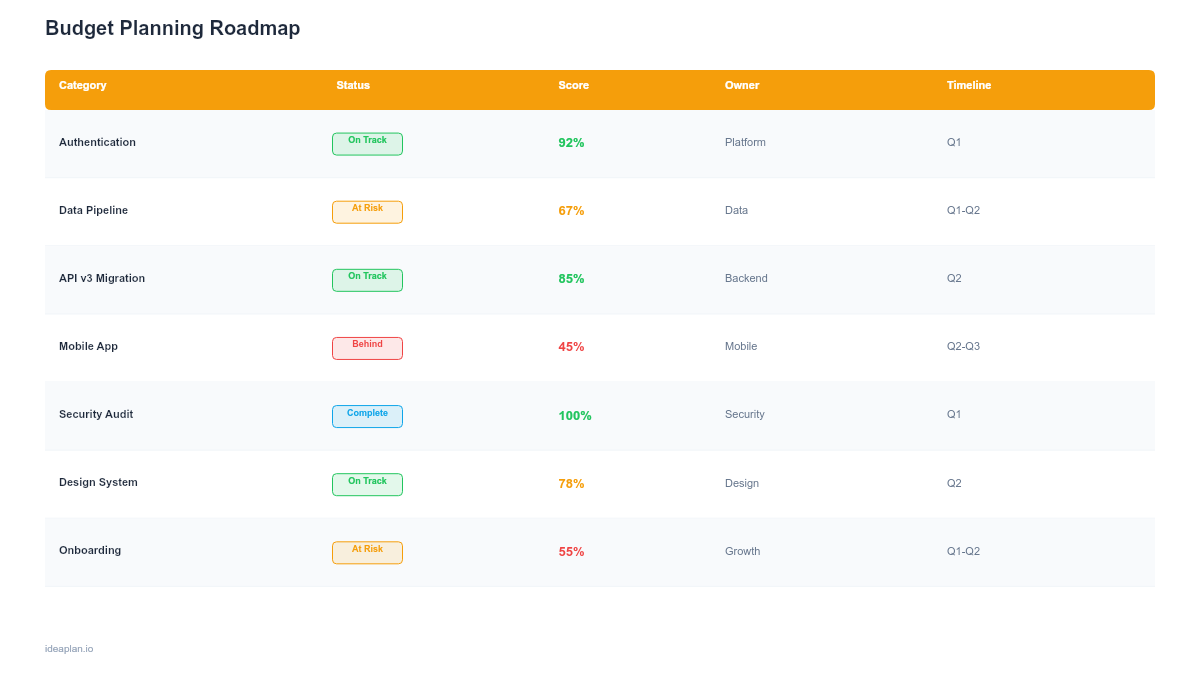
The budget planning roadmap aligns product initiatives with financial planning cycles, showing quarterly budgets, resource costs, and expected ROI by initiative. Each quarter displays allocated budget, planned spend, and financial assumptions. This template bridges product planning and financial planning, making it essential for organizations where roadmap approval depends on budget approval.
Capacity Forecast Roadmap
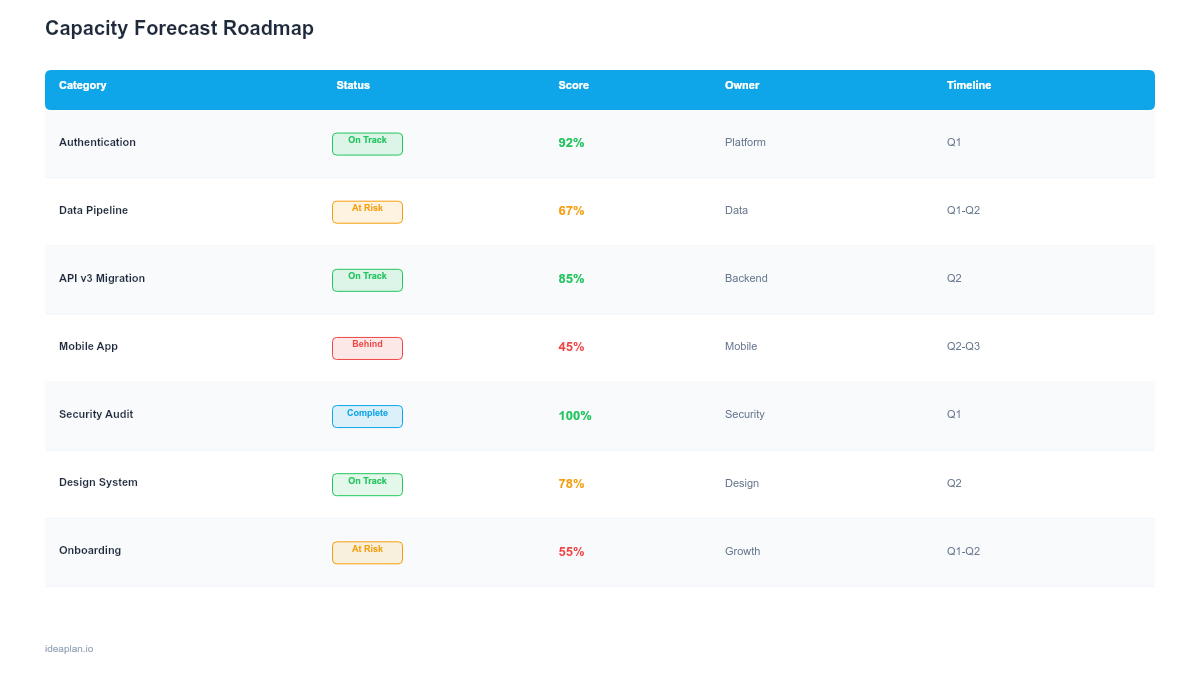
The capacity forecast roadmap shows planned work against available team capacity over time. Each time period displays capacity allocation across teams, overcommitment warnings, and hiring plan impact. This template prevents roadmap overcommitment by making capacity constraints visible before the quarter starts.
When should you use monthly or feature-level views?
When quarterly granularity is not enough, monthly templates show what ships each month.
Monthly Feature Roadmap (PowerPoint)
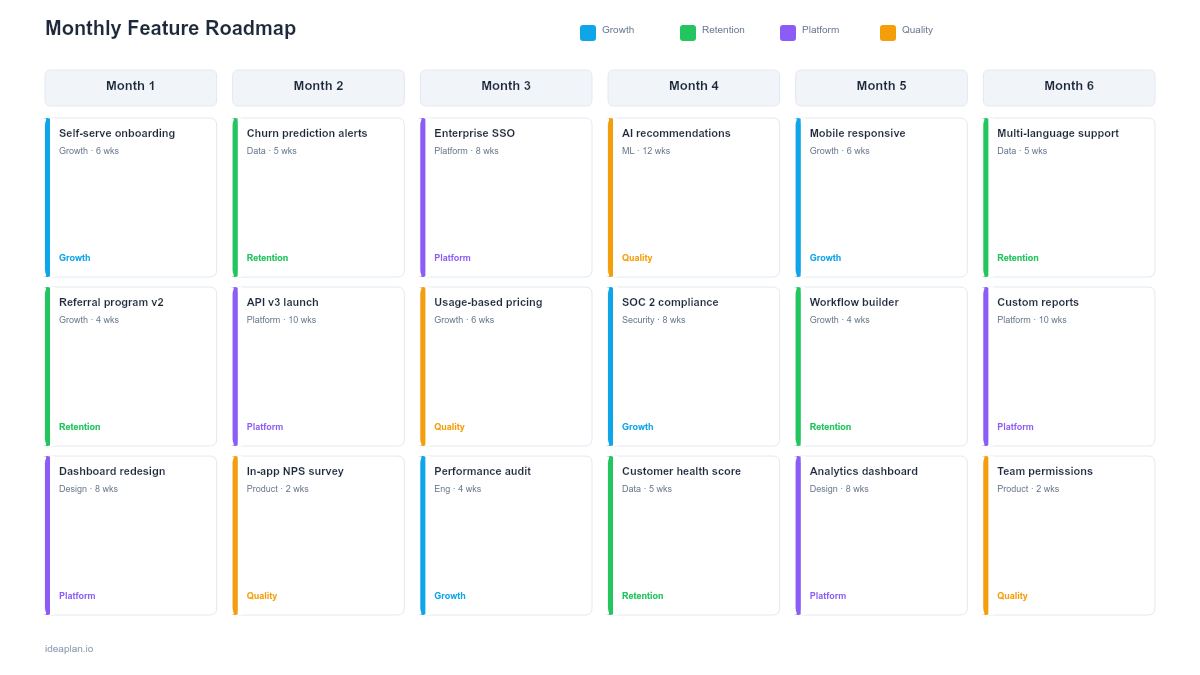
The monthly feature roadmap breaks each quarter into individual months with features listed under each month. This level of granularity is useful for teams with monthly release cadences or for communicating near-term plans to sales and support teams who need to know what is coming soon. Use months for the next quarter and quarters for the rest of the year.
Features by Month Roadmap (Google Slides)
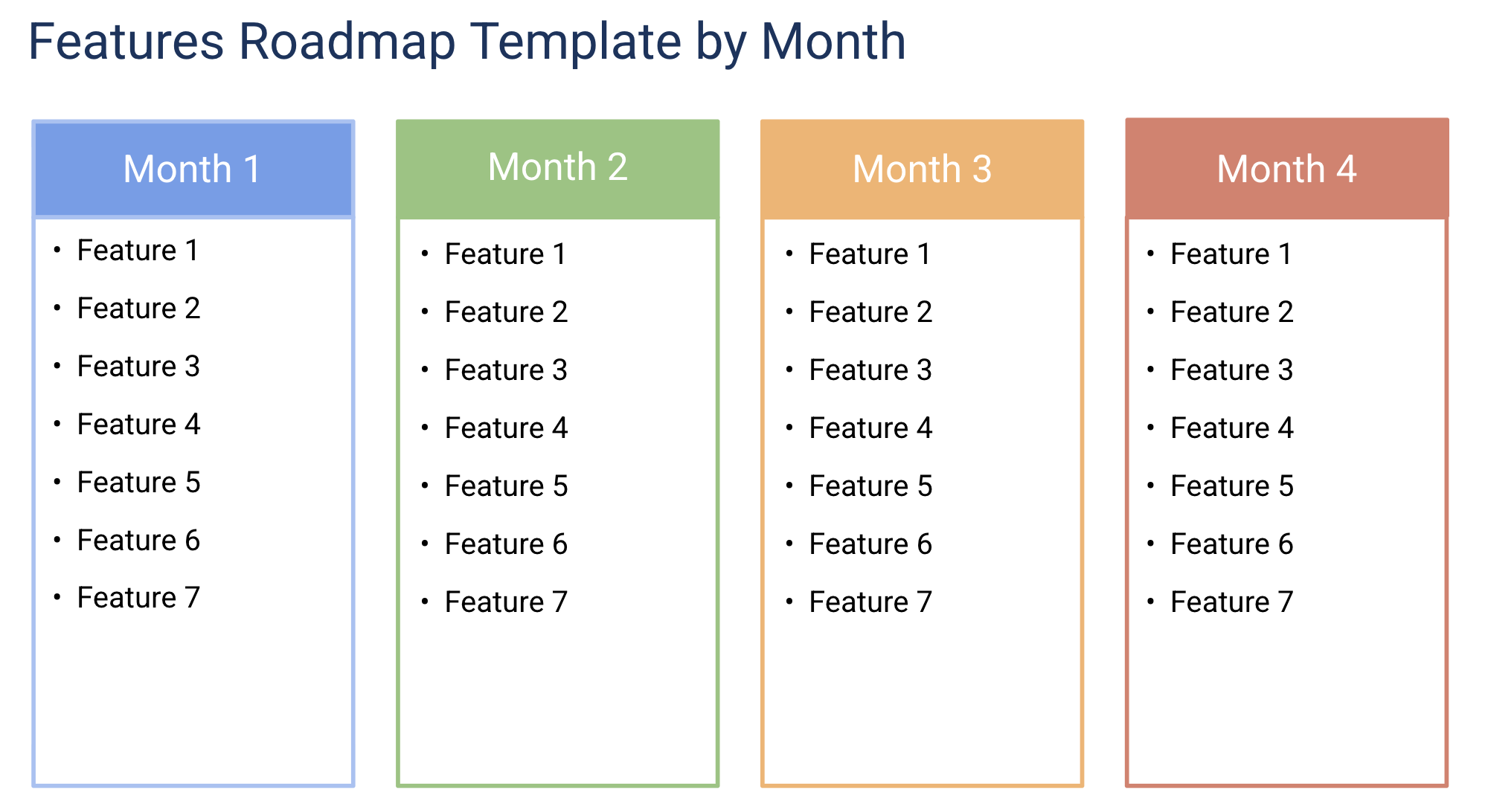
The Google Slides version of the monthly view works as a living document that the team updates at the start of each month. The slide format is presentation-ready for monthly product reviews where stakeholders want to see what shipped last month and what is planned for next month.
What are the best timeline and Gantt templates?
Horizontal timelines show work items as bars on a calendar axis, making duration and overlap visible.
Product Timeline Roadmap (Google Slides)
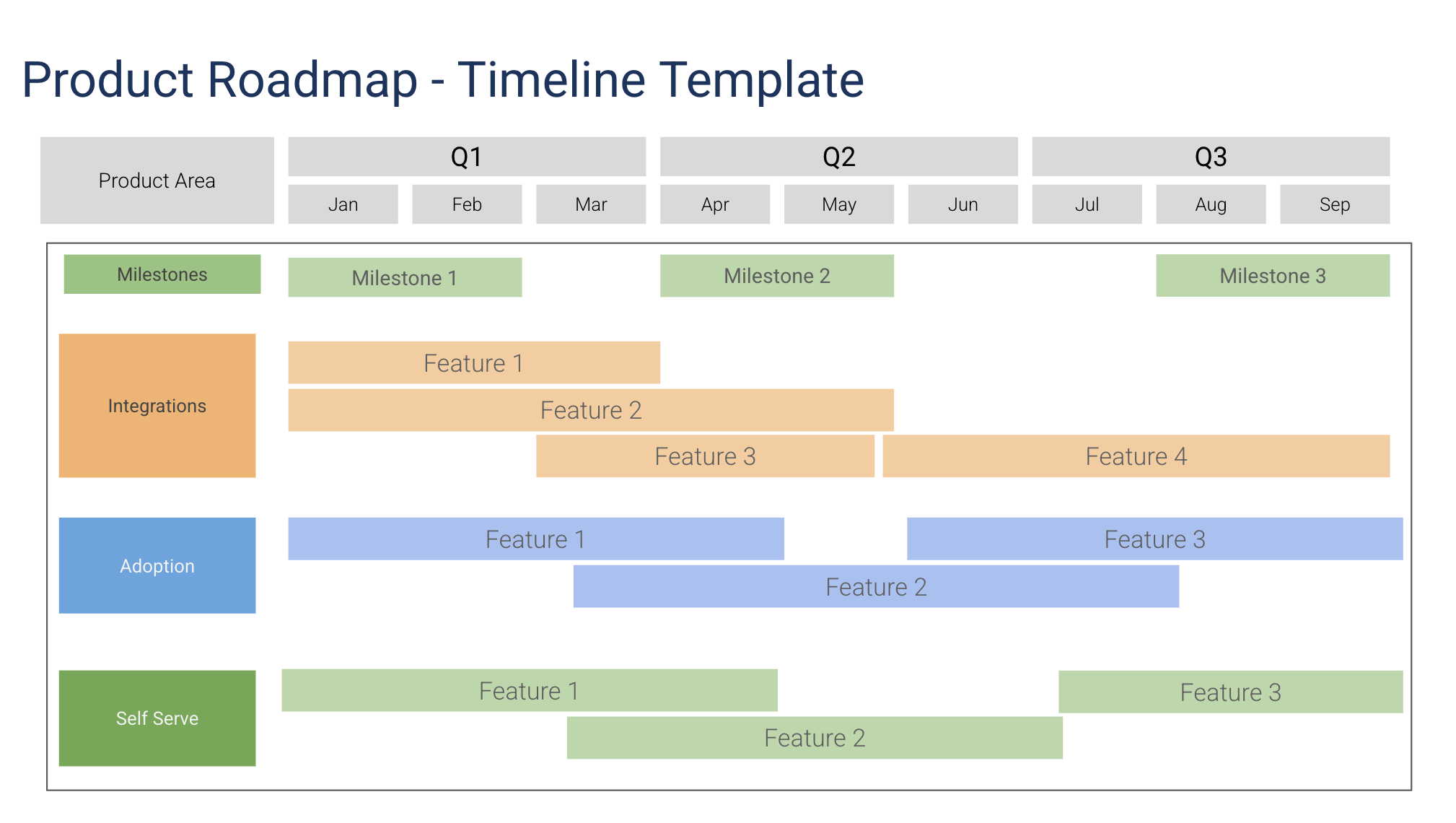
The product timeline roadmap displays initiatives as horizontal bars on a time axis, showing duration, overlap, and sequencing. It is the classic roadmap format that non-product stakeholders expect. The visual layout communicates timing more effectively than a list of dates. Use this as the default presentation format when the audience wants to see "when" things happen.
Timeline Roadmap (Google Slides)
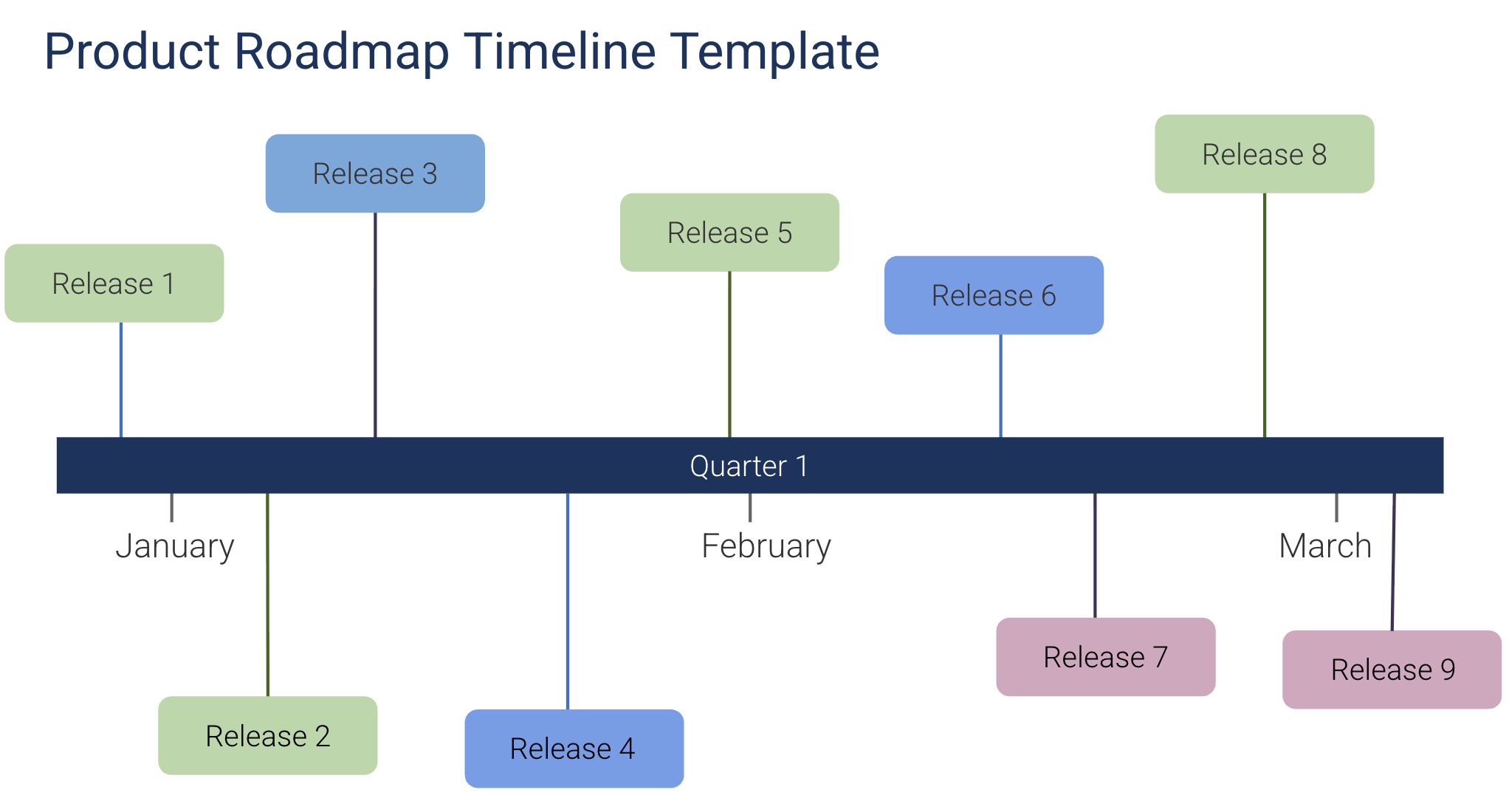
A simplified timeline template with a cleaner visual design. Fewer columns and less metadata per item makes it suitable for high-level overviews where the audience needs a quick sense of timing without implementation details. Works well for company all-hands presentations or customer-facing roadmap updates. This simplified format is the right choice for high-level overviews.
Gantt Chart Roadmap (PowerPoint)
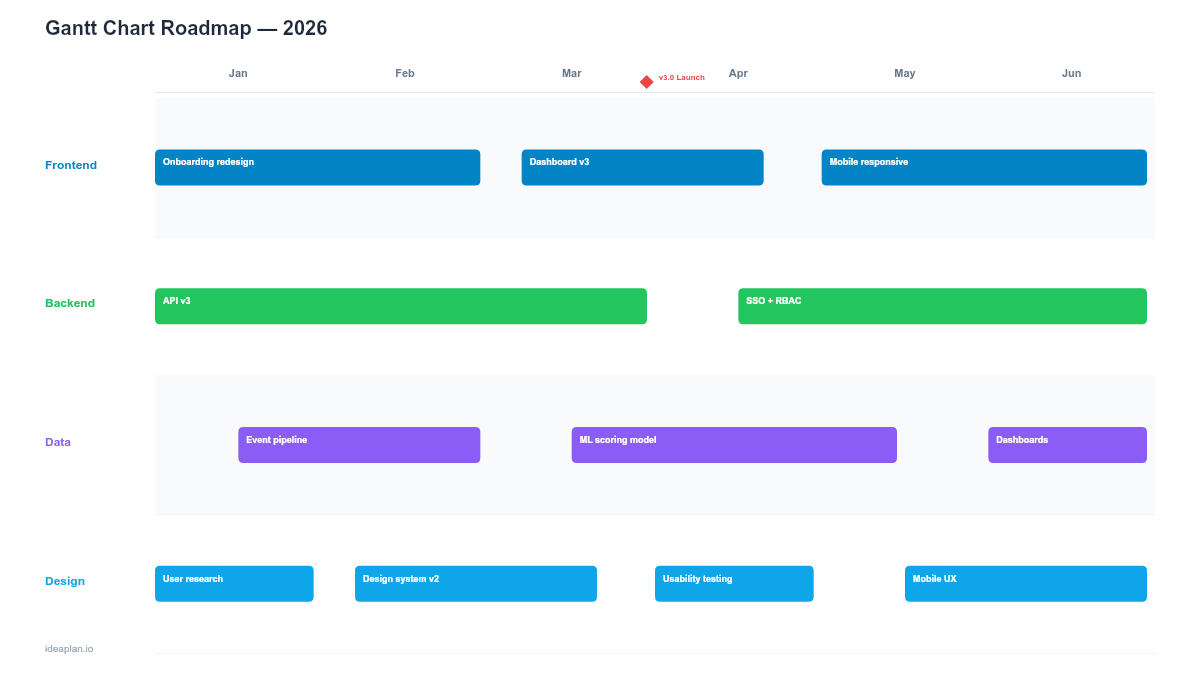
The Gantt chart roadmap adds task dependencies and sequencing to the timeline view. It shows which work items must complete before others can start, revealing the critical path through the project. While agile teams often avoid Gantt charts, they remain valuable for projects with external deadlines, regulatory requirements, or complex cross-team dependencies where the critical path needs to be visible and managed.
When should you use release-oriented timelines?
These templates organize the timeline by release version rather than by month or quarter.
Release Roadmap (Google Sheets)
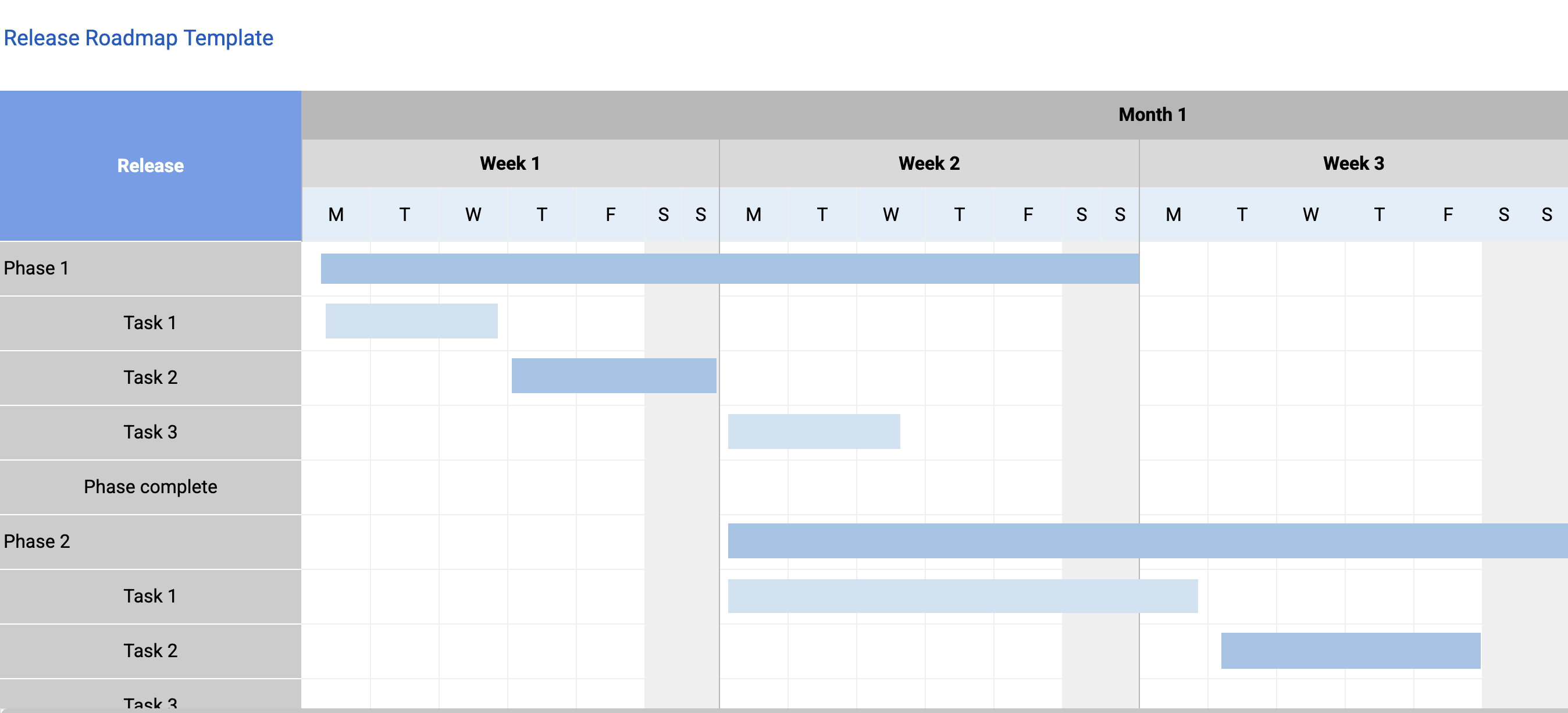
The release roadmap in Google Sheets tracks features grouped by release version with target dates, testing status, and release notes. The spreadsheet format supports formulas for tracking release health: percentage of features complete, blocker count, and days until target date. For teams shipping versioned products (mobile apps, APIs, enterprise software), this is the day-to-day working document. The release roadmap guide explains the format.
Release Roadmap (Google Slides)
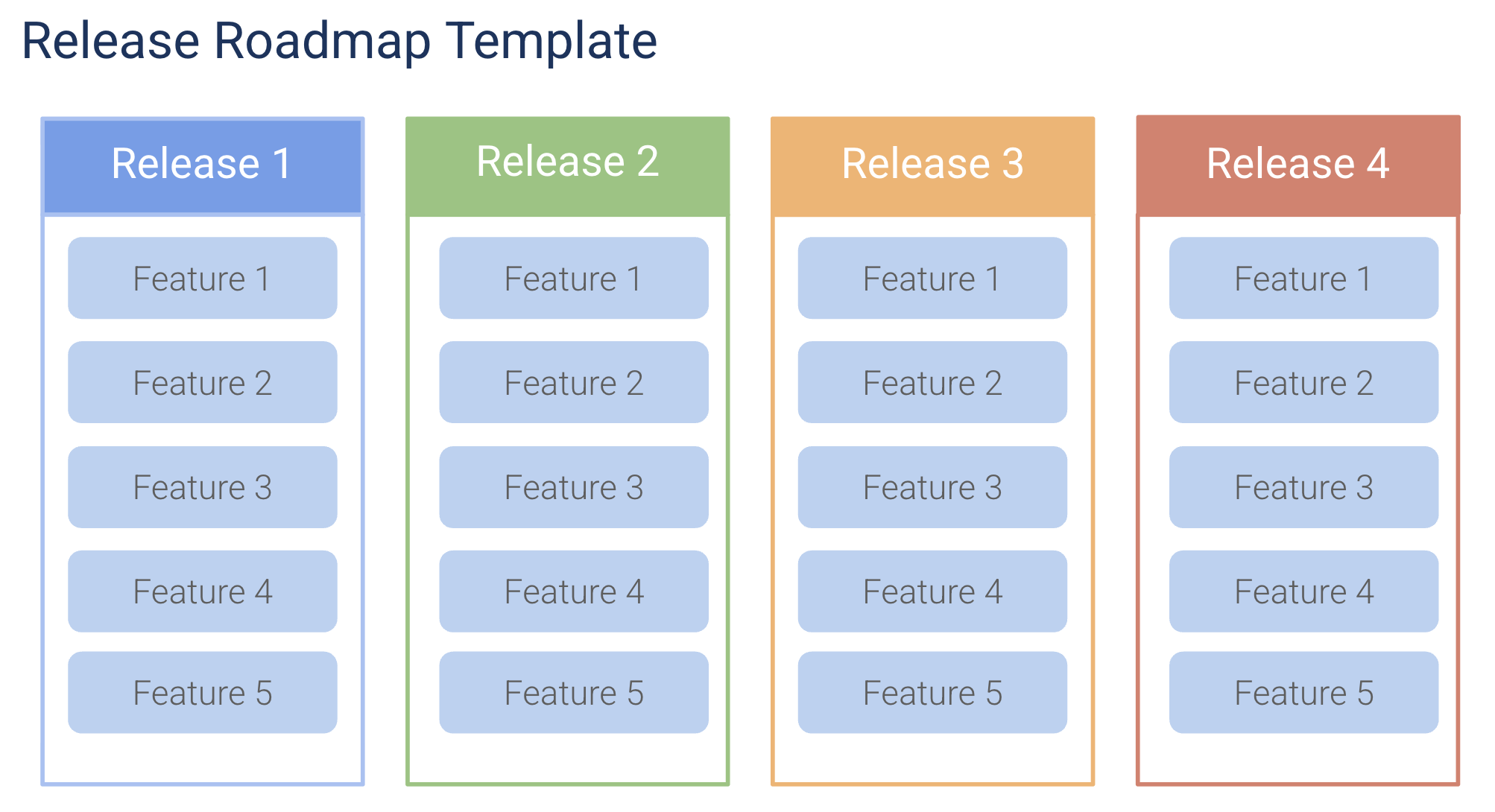
The presentation version of the release roadmap, designed for release review meetings and go/no-go decisions. Each slide covers one upcoming release with its feature set, testing status, risk indicators, and go-to-market milestones. The slide format controls the conversation flow: review one release at a time, make the go/no-go call, and move to the next.
How do you choose the right timeline template?
Match the template to your planning cadence and audience:
- Annual planning meetings → Annual Planning Roadmap for the full-year view
- Quarterly execution → Quarterly Product Roadmap (PowerPoint for presenting, Google Slides for collaborating)
- Monthly feature tracking → Monthly Feature Roadmap or Features by Month
- Visual timeline presentations → Product Timeline or simplified Timeline Roadmap
- Dependency-heavy projects → Gantt Chart Roadmap for critical path visibility
- Versioned products → Release Roadmap (Sheets for working, Slides for meetings)
Most teams use two time-based views: a quarterly roadmap for strategic planning and a monthly or timeline view for execution tracking. Use the quarterly view with leadership and the monthly view with your team. For a complete guide to building roadmaps from scratch, see how to build a product roadmap. When presenting timeline roadmaps to executives, the roadmap templates for executive presentations covers the narrative structure that gets buy-in. To prioritize what goes into each quarter, use the RICE calculator.
Explore More
- Top 8 Agile Frameworks for Product Teams (2026) - 8 agile frameworks compared side by side for product teams.
- Top 10 AI Tools for Product Managers (2026) - 10 AI-powered tools that save product managers hours every week.
- Top 15 Free Product Management Templates (2026) - 15 free PM templates covering roadmaps, PRDs, strategy docs, sprint plans, and retrospectives.
- Top 10 OKR Resources for Product Teams (2026) - 10 OKR tools, frameworks, and guides for product teams.