When you manage more than one product, a single roadmap is not enough. You need a view that shows how multiple products or teams relate to each other: where resources are allocated, where timelines overlap, and where one team's delay creates a cascade across the portfolio. That is what portfolio roadmaps solve.
These eleven templates cover portfolio-level planning from different angles: multi-product coordination, cross-team alignment, swimlane visualization, and platform consolidation. They are designed for VPs of Product, CPOs, and product operations leaders who manage the system of products, not a single product. The portfolio roadmap guide covers the strategic approach. The Product Operations Handbook covers the operational discipline behind portfolio management.
Portfolio Overview
These templates give leadership a single view of the entire product portfolio: what each product is doing, where the investment is going, and how the pieces fit together.
Portfolio Roadmap (PowerPoint)
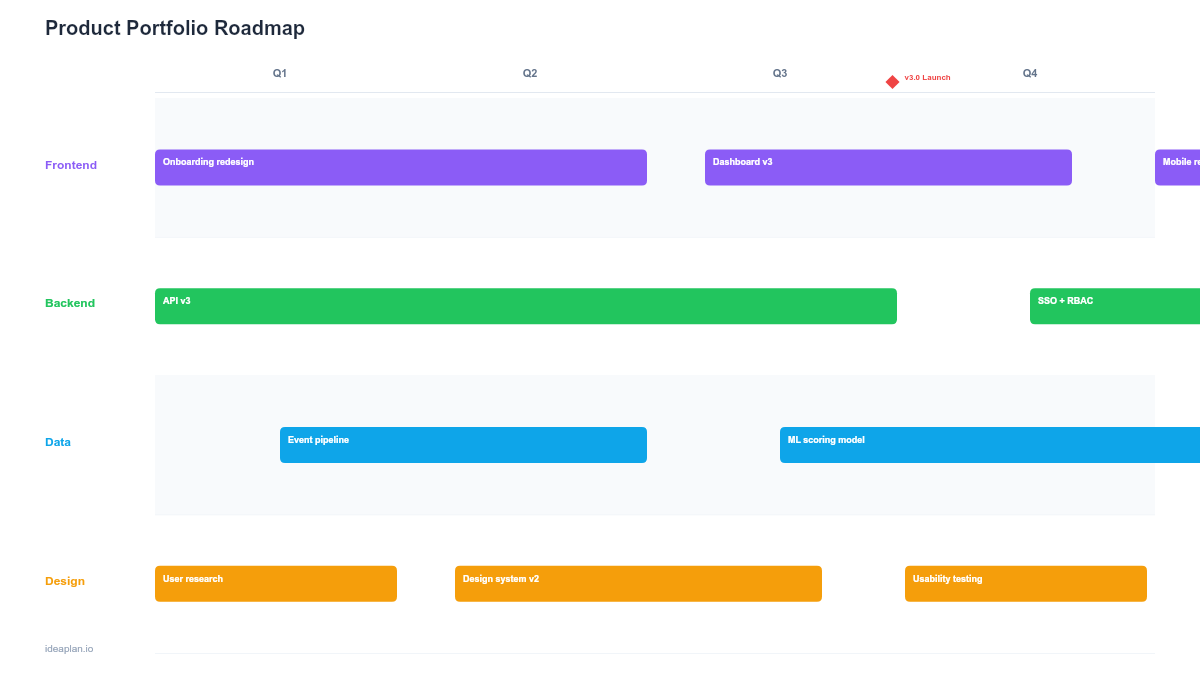
The portfolio roadmap displays multiple products or product lines on a single view with timelines, resource allocation, and dependency markers. Each product gets a lane with its major initiatives, and cross-product dependencies are called out explicitly. This is the template for board presentations and leadership reviews where the audience needs to see the full picture in one slide. Use it to answer the question every executive asks: "Where is our product investment going?"
Portfolio Roadmap (Google Sheets)
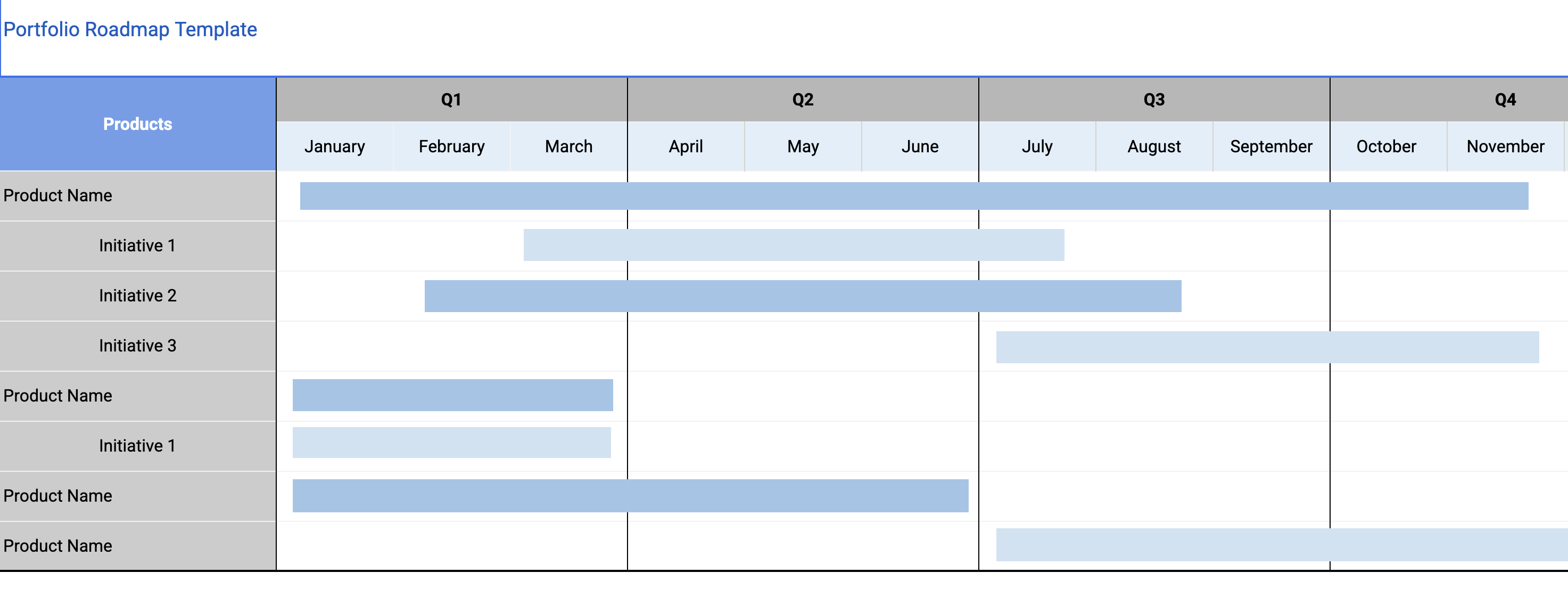
The Google Sheets version of the portfolio roadmap is the working document. It supports formula-driven resource tracking, progress calculations, and conditional formatting that highlights products behind schedule. Each product lead updates their section, and the aggregate view updates automatically. Use the Sheets version for ongoing management and export to PowerPoint when you need to present.
Multi-Product and Multi-Team Coordination
These templates coordinate the work that happens across product or team boundaries: the integration points, shared dependencies, and handoffs that make or break delivery.
Multi-Product Roadmap
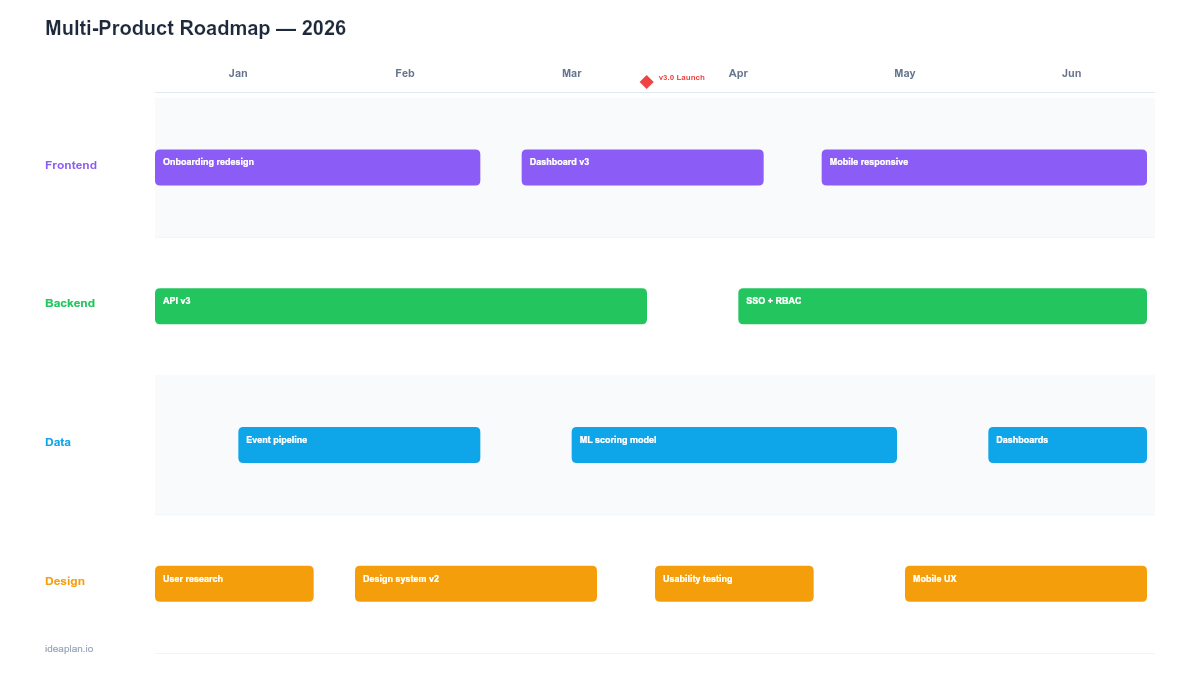
The multi-product roadmap shows how separate products coordinate on shared initiatives, integrations, and platform changes. Unlike the portfolio roadmap (which shows each product independently), this template focuses on the intersection points: where Product A needs something from Product B, where shared platform changes affect all products, and where launch timing needs to align across products. This is the coordination layer that prevents products from working at cross purposes.
Multi-Team Coordination Roadmap
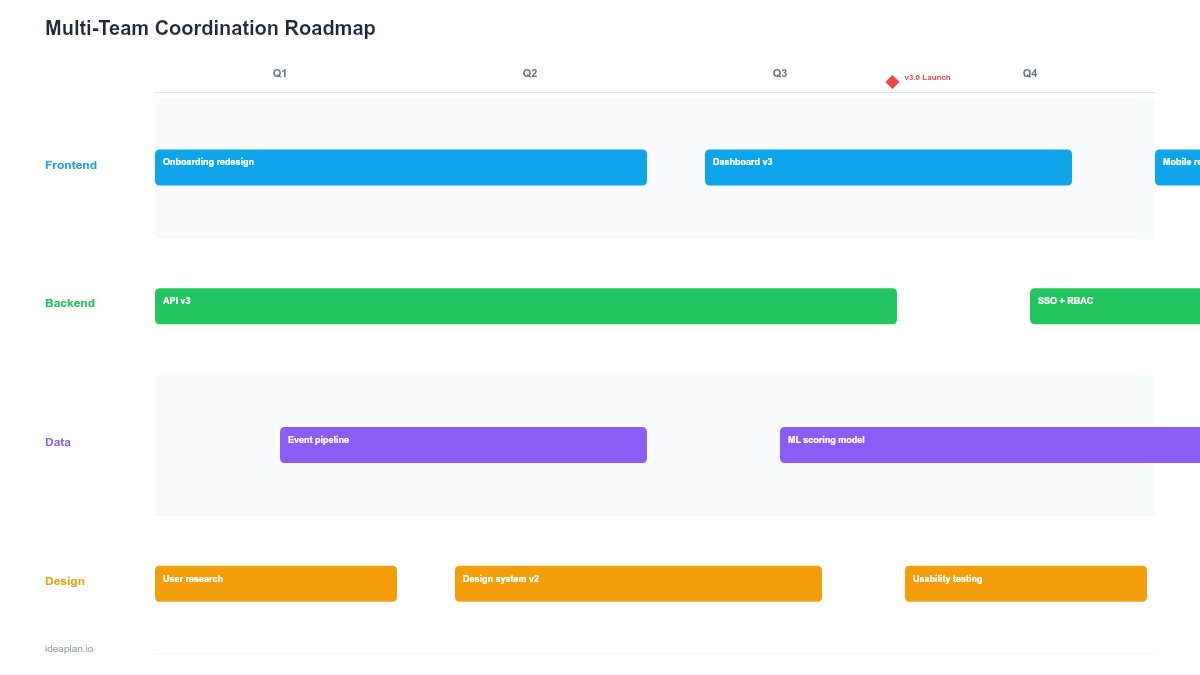
When a single product is built by multiple teams (frontend, backend, mobile, data, platform), the multi-team coordination roadmap shows how their work connects. Each team has a lane with their planned work, and dependency arrows show where one team's deliverable feeds another team's work. The template includes a dependency risk matrix that scores each dependency by likelihood of delay and impact, so the team focuses coordination effort on the dependencies that matter most.
Swimlane Views
Swimlane roadmaps display parallel workstreams in horizontal lanes, making it easy to see what each team is doing and where their work intersects. These templates work best when multiple teams ship interconnected work on shared timelines.
Swimlane Roadmap (PowerPoint)
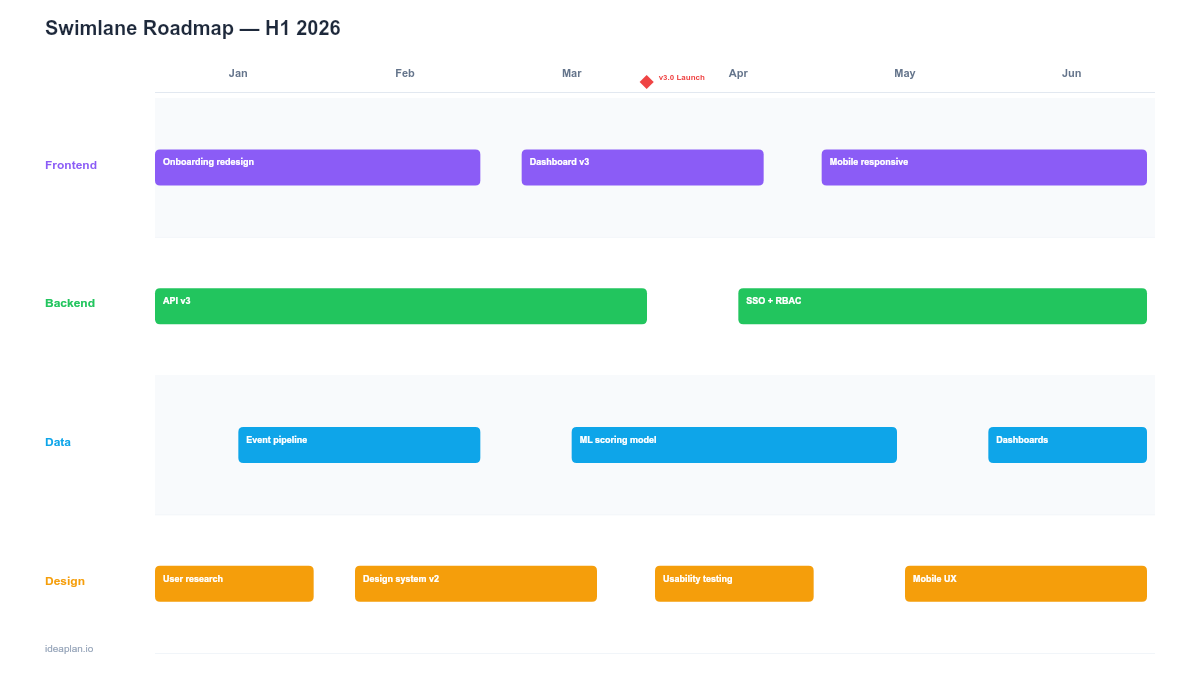
The swimlane roadmap in PowerPoint is designed for presentations. Three to six horizontal lanes show parallel workstreams with timeline bars, cross-lane dependency connectors, and an executive summary row at the top. The visual layout communicates coordination status faster than any table or status report. Use this for program reviews, leadership updates, and any meeting where the audience needs to see the full breadth of parallel work at a glance.
Swimlane Roadmap (Google Slides)
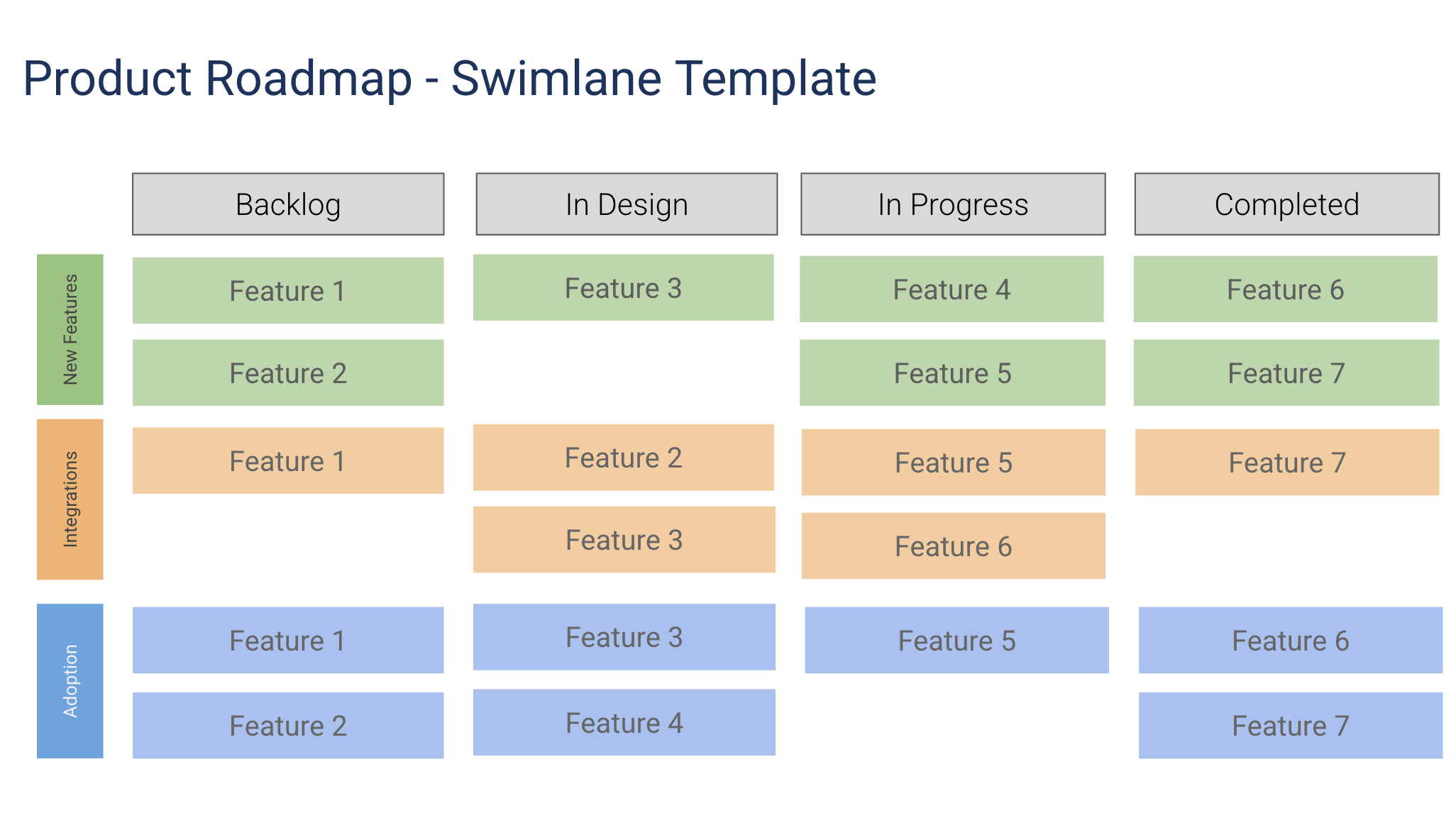
The Google Slides swimlane roadmap supports collaborative editing and progressive disclosure. Reveal one lane at a time during presentations to keep the audience focused. It is better for teams where multiple people contribute to the roadmap and where the presentation happens in a recurring meeting cadence. Each team lead updates their lane directly.
Platform and Ecosystem
These templates plan the consolidation and integration of platforms and ecosystems that span multiple products.
Platform Consolidation Roadmap
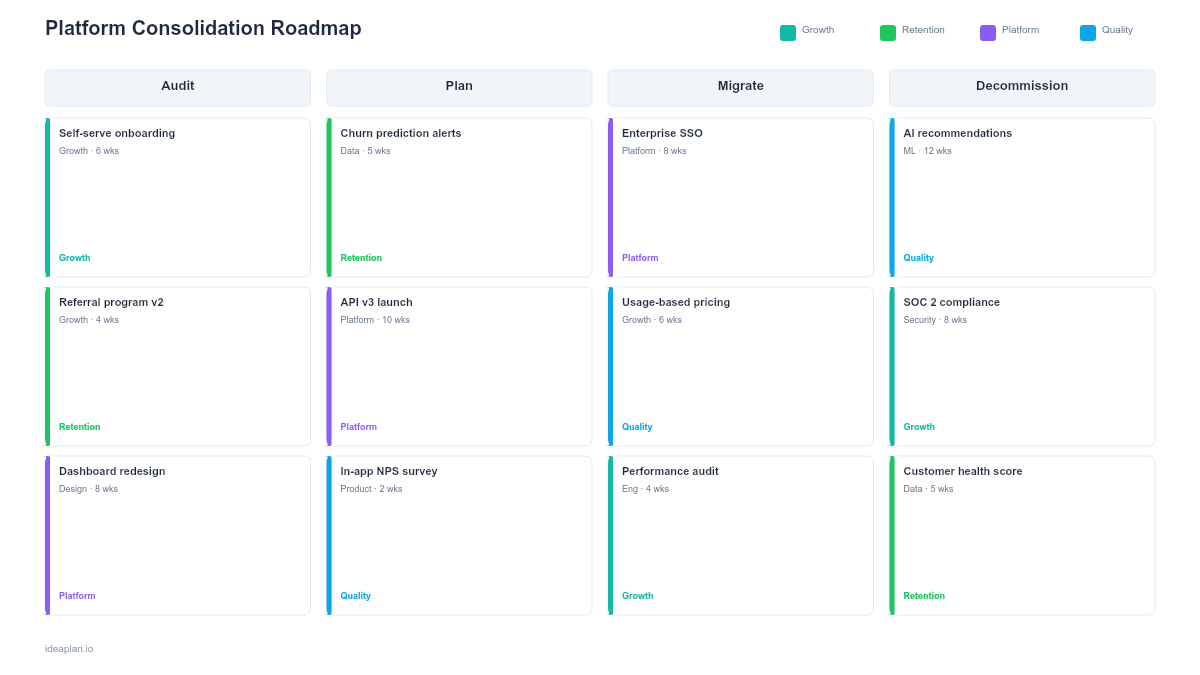
The platform consolidation roadmap plans the merger of multiple platforms, systems, or tools into a unified platform. It covers the inventory of existing systems, the target architecture, the migration sequence, and the decommissioning timeline for legacy systems. For companies that have grown through acquisition or that accumulated separate systems for each product, this template structures the consolidation work that reduces operational complexity and maintenance cost.
Ecosystem Integration Roadmap
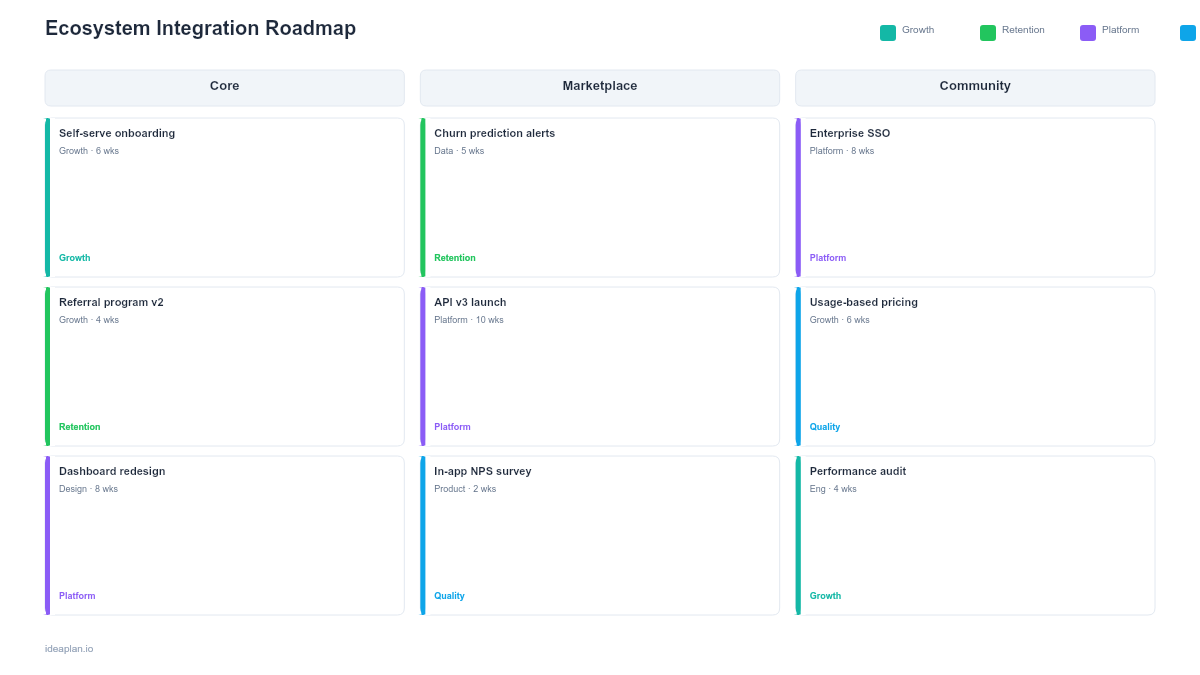
The ecosystem integration roadmap plans how your product connects with partner products, third-party services, and marketplace integrations. It covers API development, partner onboarding, integration testing, and the go-to-market strategy for each integration. For platform companies that grow through ecosystem partnerships, this template coordinates the technical and business work required to launch each new integration.
Product Recall Roadmap
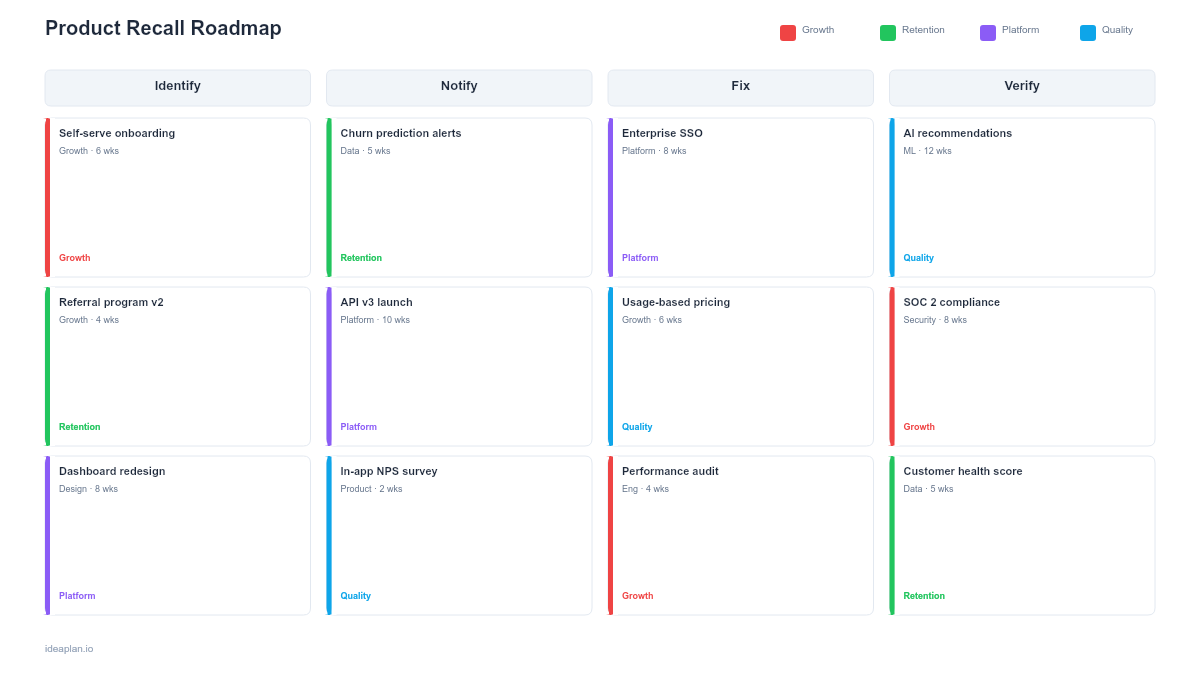
The product recall roadmap plans the emergency response for critical product issues or security vulnerabilities that require immediate customer communication and remediation. It covers incident detection, impact assessment, customer notification sequencing, remediation deployment, and post-incident review processes. This template ensures your organization has a structured playbook before a crisis happens.
White Label Roadmap
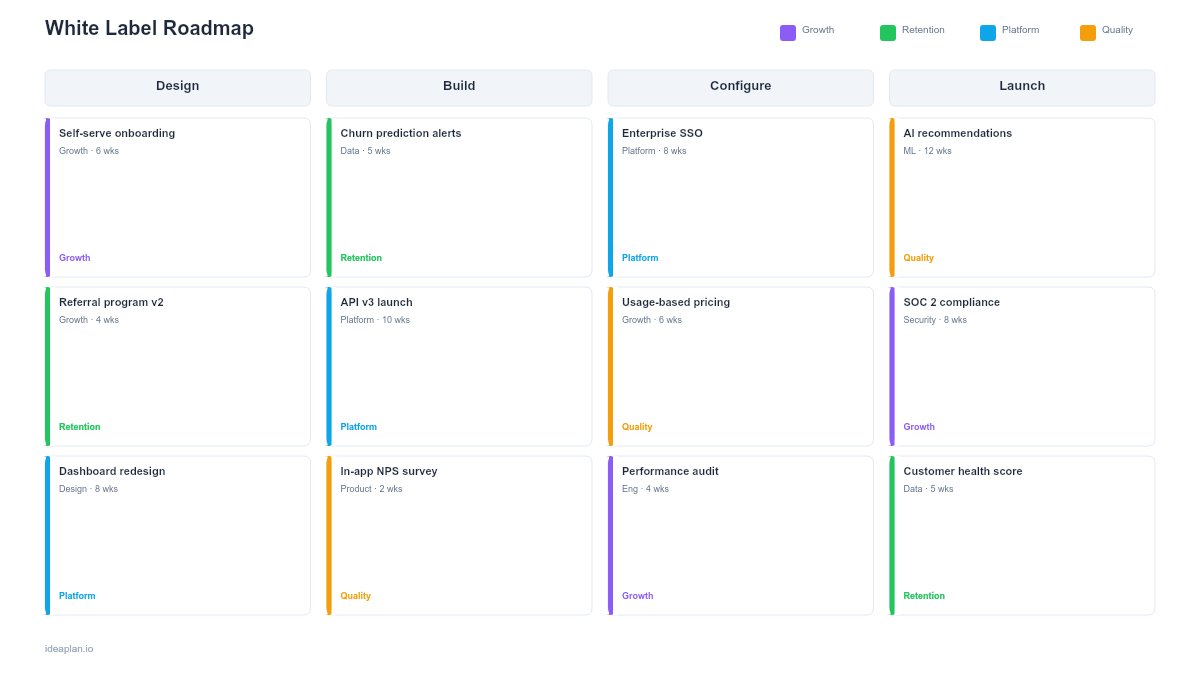
The white label roadmap plans the development of white-label or multi-tenant capabilities that enable partners or customers to rebrand and resell your product. It covers tenant isolation, branding customization, feature gating by partner tier, and the operational overhead of supporting multiple white-labeled instances. For B2B products expanding into partnership or reseller channels, this template structures the platform work required.
Feature Parity Roadmap
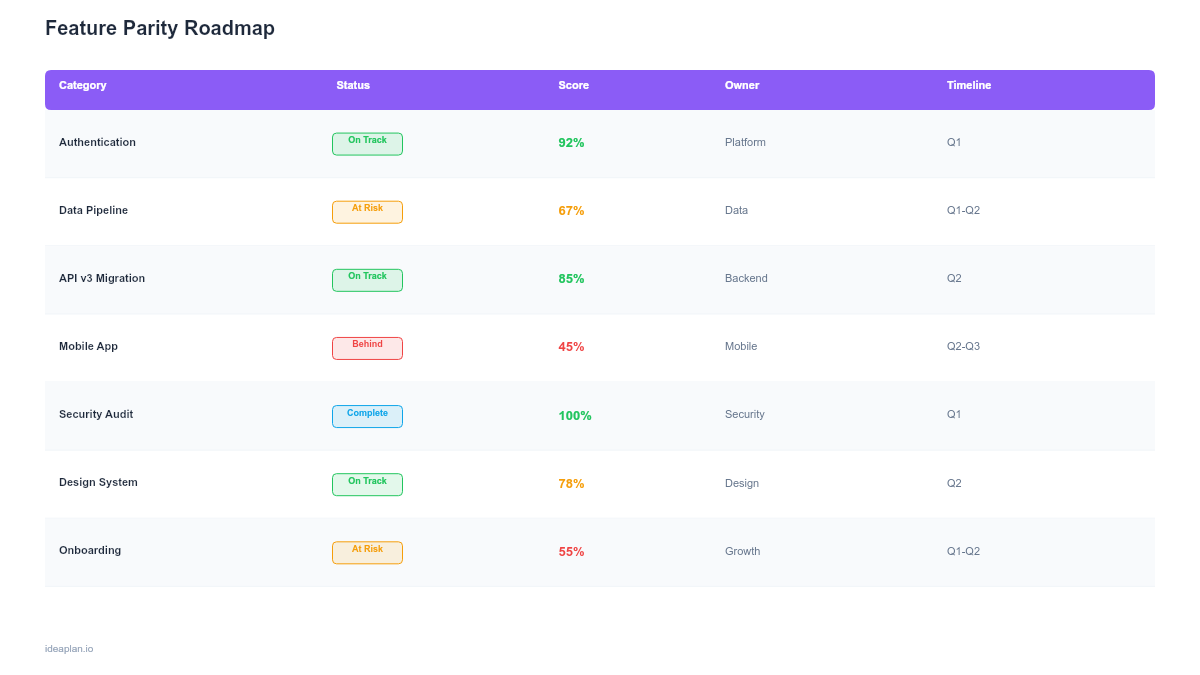
The feature parity roadmap tracks the work required to bring multiple products or platform variants (mobile vs web, new vs legacy, different market tiers) to feature parity. Each feature shows its status across platforms with gap analysis and sequencing priorities. This template prevents feature drift where one platform gets all the attention while others fall behind.
Which Portfolio Roadmap Template Should You Use?
Match the template to your organizational structure:
- Multiple products, shared leadership → Portfolio Roadmap (Sheets for working, PowerPoint for presenting)
- Multiple products, shared platform → Multi-Product Roadmap to coordinate product-level intersections
- Single product, multiple teams → Multi-Team Coordination Roadmap or Swimlane Roadmap
- Presenting to leadership → Swimlane Roadmap (PowerPoint or Google Slides) for the clearest visual
- Consolidating systems → Platform Consolidation Roadmap
- Growing through partnerships → Ecosystem Integration Roadmap
For product operations teams, the Portfolio Roadmap (Google Sheets) is the primary working artifact. Layer in Multi-Team Coordination or Swimlane views as supplementary artifacts for specific audiences.
Explore More
- Top 10 AI Tools for Product Managers (2026) - 10 AI-powered tools that save product managers hours every week.
- Top 15 Free Product Management Templates (2026) - 15 free PM templates covering roadmaps, PRDs, strategy docs, sprint plans, and retrospectives.
- Top 10 OKR Resources for Product Teams (2026) - 10 OKR tools, frameworks, and guides for product teams.
- Top 15 Product Management Books for 2026 - 15 essential PM books ranked by practical value.
Related reading: Free Product Roadmap Templates 2026: 22 Picks (All Formats). The Product Portfolio Review Template pairs well with this one.