Quick Answer (TL;DR)
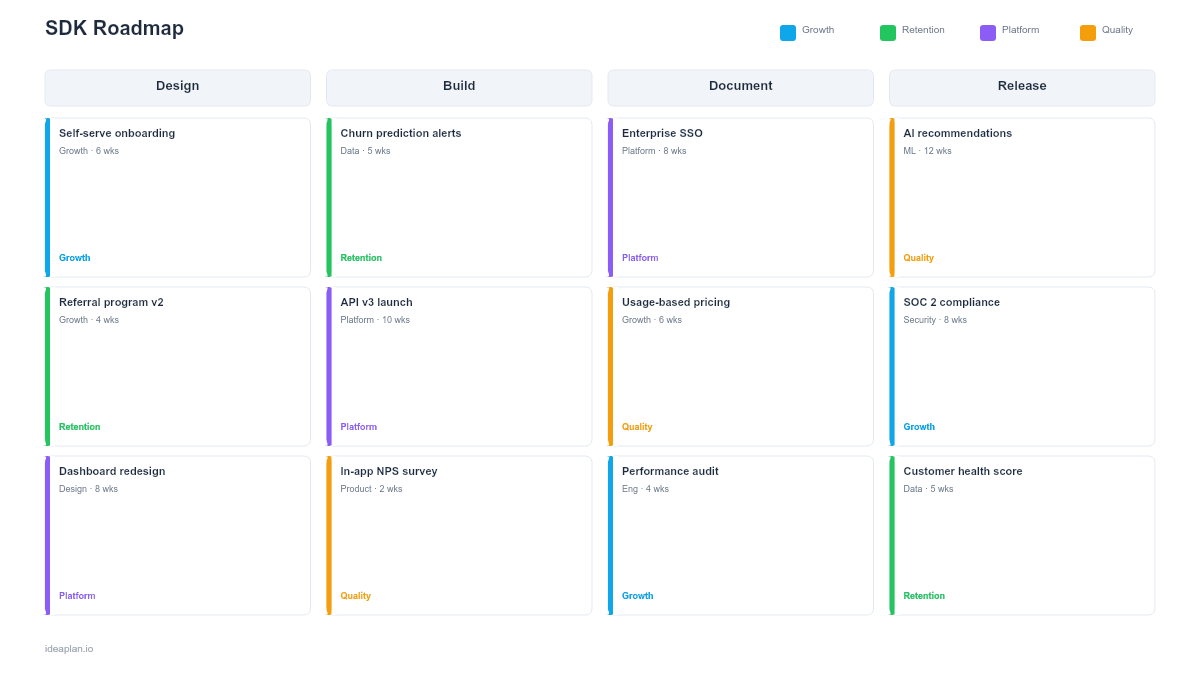
This free PowerPoint template plans SDK development across four dimensions: language coverage, feature parity between SDKs, versioning and release strategy, and documentation with code samples. Each SDK tracks API coverage percentage, download metrics, and developer satisfaction scores on a quarterly timeline. Download the .pptx, map your current SDK state, and use it to prioritize which languages to support, which features to add, and how to keep SDKs in sync with your API.
What This Template Includes
- Cover slide. API platform name, number of supported SDKs, and SDK team lead.
- Instructions slide. How to assess language demand, measure SDK coverage against the API surface, and plan releases. Remove before presenting.
- Blank SDK parity matrix slide. A grid with API features on rows and SDK languages on columns. Each cell is marked complete, partial, or missing, with a total coverage percentage per SDK.
- Blank SDK timeline slide. A four-quarter timeline with rows per SDK language. Cards show feature additions, version releases, documentation updates, and adoption metric targets.
- Filled example slide. A realistic SDK roadmap for a SaaS API with Python, JavaScript, Go, and Java SDKs, showing Python at 95% parity, JavaScript at 80% with a Q2 catch-up sprint, Go at 60% as a new SDK, and Java in beta with Q3 GA target.
Why PowerPoint for SDK Roadmaps
SDKs are the layer between your API and the code developers actually write. A well-maintained SDK makes adoption effortless. A developer installs it, writes three lines of code, and gets a working integration. A poorly maintained SDK makes developers bypass it entirely and write raw HTTP calls, losing every ergonomic advantage you built.
The challenge is that SDK work scales linearly with language count. Supporting four languages means four codebases, four release pipelines, four documentation sets, and four opportunities for parity drift. A PowerPoint timeline makes parity visible: when leadership can see that the Go SDK is 40% behind the Python SDK, the conversation about investment becomes concrete instead of abstract.
Template Structure
Language Coverage Row
Shows which programming languages have SDKs, their maturity level (beta, GA, maintenance), and demand signals (developer survey results, community requests, customer requirements). Cards track download counts, active install base, and growth rate per language. This row answers the question: "Are we supporting the languages our developers actually use?"
Feature Parity Matrix
A cross-reference grid that maps every API capability against every SDK. Each cell shows whether the SDK fully implements the feature, partially implements it (e.g., missing pagination support), or does not implement it at all. The matrix makes parity drift obvious. If your Python SDK supports all 40 API endpoints but your JavaScript SDK only covers 28, you can see the gap at a glance and plan accordingly.
Versioning and Release Row
Tracks SDK version numbers, release cadence, and their alignment with API version changes. Cards show which API version each SDK targets, whether the SDK is ahead or behind the API, and upcoming releases. SDK versions should map cleanly to API versions. When the API ships v3, developers should know which SDK version supports it. Link this to your API versioning strategy so deprecation timelines stay coordinated.
Documentation and Samples Row
Covers per-SDK documentation: installation guides, quickstart tutorials, code samples for common use cases, migration guides between SDK versions, and API reference docs specific to each language. Cards track documentation coverage (percentage of SDK features with working code samples) and developer feedback scores. Good SDKs with bad docs produce the same outcome as bad SDKs. Developers cannot figure out how to use them.
How to Use This Template
1. Assess language demand from real data
Survey your developers about which languages they use. Supplement surveys with package registry data (npm downloads, PyPI installs, Maven Central stats for comparable APIs). Customer requirements also drive language priorities. If your largest enterprise deal requires a Java SDK, that is a concrete signal. Avoid adding languages based on popularity rankings alone; support the languages your actual users need.
2. Build the parity matrix
List every API capability and check it against every SDK. Be honest about partial implementations. An SDK that supports an endpoint but ignores pagination is not complete. The matrix should show the real state, not the aspirational state. Use this audit to identify which SDKs need catch-up investment before you add new features. Feature adoption data per SDK language helps prioritize which gaps matter most.
3. Plan releases around API changes
SDK releases should follow API releases closely. When the API ships a new endpoint, the SDK should support it within one release cycle (ideally 2-4 weeks). When the API deprecates a version, the SDK should ship a migration-path release before the deprecation window opens. Place API release dates on the timeline as fixed milestones and plan SDK releases relative to them.
4. Set adoption targets per SDK
Define measurable adoption targets: downloads per month, active installs, time to first API call using the SDK versus raw HTTP, and developer satisfaction scores. Track these per language to identify which SDKs are succeeding and which need investment. An SDK with flat downloads and declining satisfaction scores needs attention regardless of feature completeness.
When to Use This Template
An SDK roadmap is the right tool when:
- You support two or more SDK languages and parity drift is becoming a problem
- Developer adoption depends on SDK quality because your API is complex enough that raw HTTP calls are impractical
- New language SDKs are planned and need a structured build-out timeline
- API changes (new endpoints, deprecations, version bumps) require coordinated SDK updates
- Developer experience metrics show that SDK quality is a bottleneck for platform growth
If you support a single SDK and your API is simple enough that most developers use raw HTTP calls, a section in your API roadmap is sufficient. This template is for teams managing multiple SDKs where parity, versioning, and release coordination are ongoing concerns.
Featured in
This template is featured in Technical and Engineering Roadmap Templates, a curated collection of roadmap templates for this use case.
Key Takeaways
- SDK roadmaps track four dimensions: language coverage, feature parity, versioning alignment, and documentation. All must stay coordinated to deliver good developer experience.
- Use a parity matrix to make coverage gaps between SDKs visible and drive catch-up investment before adding new features.
- Align SDK releases to API release dates so developers always have SDK support for new API capabilities within one release cycle.
- Auto-generate the boilerplate layer from OpenAPI specs and hand-write the ergonomic layer for each language to balance maintenance cost with quality.
- Track adoption metrics per SDK language to identify which SDKs need investment and which are growing on their own.
- Compatible with Google Slides, Keynote, and LibreOffice Impress. Upload the
.pptxto Google Drive to edit collaboratively in your browser.