Quick Answer (TL;DR)
Org charts show who reports to whom. Team topologies show how teams interact to deliver products. This free PowerPoint template maps your current team structure against the four fundamental team types. Stream-aligned, platform, enabling, and complicated-subsystem. And plans the transitions needed to reduce handoffs, improve flow, and match team boundaries to product architecture. Download the .pptx, classify your teams, and build a roadmap for evolving the org structure over the next 2-4 quarters.
What This Template Includes
- Cover slide. Organization or product area name, current team count, target team count, and the planning horizon.
- Instructions slide. How to classify teams into the four types, identify interaction modes, and plan structural transitions. Remove before presenting.
- Blank template slide. A current-state topology diagram showing teams as labeled nodes with interaction mode arrows (collaboration, X-as-a-Service, facilitation), plus a future-state diagram showing the target topology with transition milestones in between.
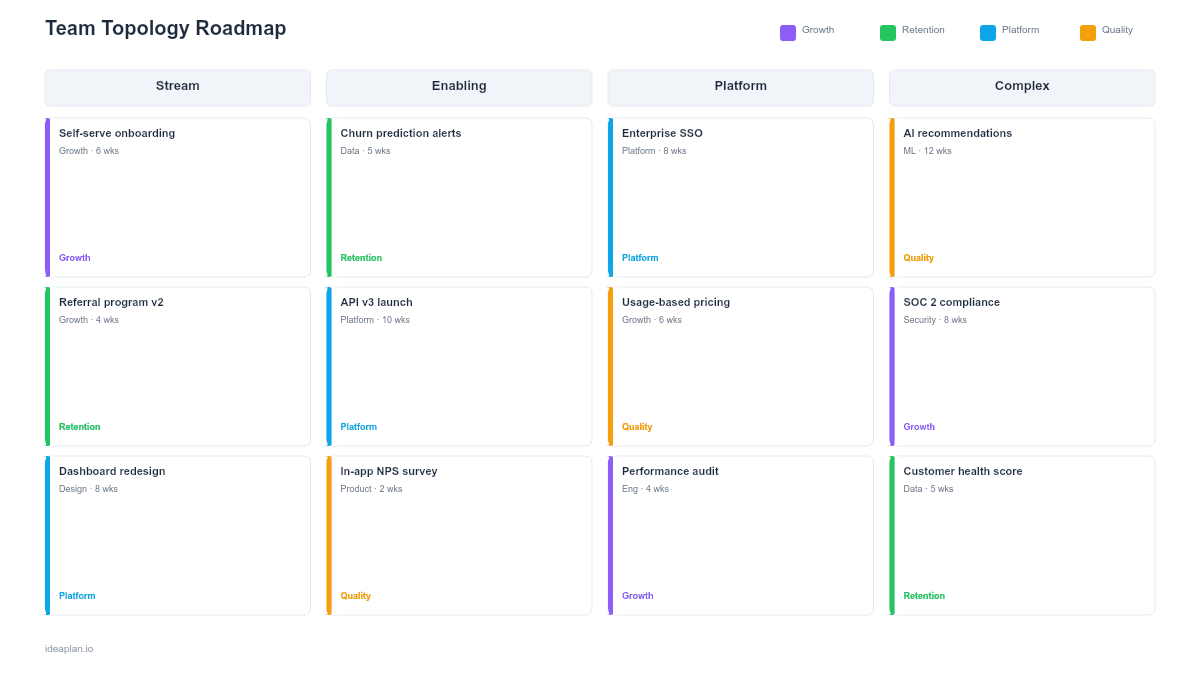
- Filled example slide. A product org evolving from 3 feature teams and 1 shared infrastructure team to 4 stream-aligned teams, 1 platform team, and 1 enabling team over three quarters. Each transition step shows what changes, why, and the expected outcome.
Why Team Topology Planning Matters
Conway's Law is not a suggestion. It is an observation about how organizations actually work. Your software architecture will mirror your team structure whether you plan it or not. A monolithic codebase owned by one team produces a monolithic product. Three feature teams sharing a single backend produce merge conflicts, coordination overhead, and slow delivery.
Team topology planning makes this relationship intentional. Instead of letting team structure happen by accident (usually through hiring whoever is available and assigning them wherever the workload is highest), you design teams around the product architecture you want and the delivery flow you need.
The four team types from the Team Topologies model give you a vocabulary for this design work. Each type has a clear purpose, a defined scope, and specific interaction patterns with other teams. When you can name what a team is and how it interacts, you can spot mismatches: a team that should be stream-aligned but is acting as a platform, or an enabling team that has become a permanent dependency instead of a temporary capability builder.
Template Structure
Current-State Topology
The left side of the template shows how your teams are organized today. Each team is a node labeled with:
- Team name. The team's identity.
- Team type. Stream-aligned, platform, enabling, complicated-subsystem, or unclassified (many teams are not deliberately typed).
- Scope. What the team owns. For stream-aligned teams, this is a user-facing value stream. For platform teams, it is a set of internal services.
- Team size. Headcount and composition.
Arrows between teams show interaction modes:
- Collaboration (thick arrow). Two teams working closely together on a shared goal. High bandwidth, high coordination cost. Should be temporary.
- X-as-a-Service (thin arrow). One team consumes another's output through a well-defined interface. Low coordination cost. The target state for most team interactions.
- Facilitation (dashed arrow). One team helps another build a capability, then steps back. The defining interaction mode for enabling teams.
Future-State Topology
The right side shows the target structure. Changes are highlighted: new teams in green, merged teams in blue, dissolved teams in gray. Each change includes a brief justification: "Split Team A into two stream-aligned teams to reduce cognitive load and eliminate shared codebase contention."
Transition Roadmap
A timeline strip between current and future state shows the sequenced transitions. Structural changes are risky and disruptive, so they need to be ordered carefully. Typical sequencing: create the platform team first (extract shared services), then split stream-aligned teams (once they no longer depend on shared code), then introduce the enabling team (to support the newly independent teams through the transition).
How to Use This Template
1. Classify your current teams
For each team, ask: Does this team deliver user-facing value end-to-end (stream-aligned)? Does it provide internal services consumed by other teams (platform)? Does it help other teams build capabilities (enabling)? Does it own a technically complex subsystem that requires deep specialization (complicated-subsystem)? Most organizations find that they have stream-aligned and platform teams but lack enabling teams. Which is why teams get stuck waiting for platform changes instead of being coached to make them independently.
2. Map current interaction modes
Draw the arrows. Where are teams collaborating heavily? Those high-bandwidth interactions are expensive. Where are teams consuming services cleanly? Those interactions are healthy. Where are teams blocked waiting on another team? Those are signs of missing platform capabilities or incorrect team boundaries. The dependency tracker template can provide input data for this step.
3. Design the target topology
Start from the product architecture you want, not the org chart you have. If you want independent deployment per feature area, you need stream-aligned teams with their own deployment pipelines. If you want shared capabilities (auth, payments, observability), you need a platform team providing those as services. Match team boundaries to product architecture boundaries.
4. Sequence the transitions
Do not reorganize everything at once. Pick the highest-impact change first. Usually creating or strengthening the platform team, because that enables stream-aligned teams to operate independently. Plan one major structural change per quarter. Each change needs a clear trigger ("Platform API is stable enough for self-service"), a defined scope ("Move checkout engineers from shared team to stream-aligned checkout team"), and a success metric ("Checkout team deploys independently within 4 weeks of transition").
5. Communicate and iterate
Share the topology roadmap with engineering leadership and the teams themselves. Structural changes affect people's daily work, reporting lines, and career paths. Announce changes early, explain the rationale, and create feedback loops so teams can flag problems as they emerge during transitions.
When to Use This Template
Team topology roadmaps are essential when:
- Delivery speed is declining despite growing headcount. A signal that coordination costs are outpacing capacity gains
- Teams are frequently blocked waiting on other teams, indicating incorrect boundaries or missing platform capabilities
- A platform rewrite or architecture migration requires reorganizing teams to match the new technical structure
- Scaling from one product team to multiple and you need to decide how to split without creating silos
- An acquisition or merger brings teams with different structures that need to be integrated
If your org is small (under 15 engineers) with one or two teams, formal topology planning adds overhead without proportional value. The model becomes useful when team count reaches 4-5 and interaction patterns start affecting delivery speed. For headcount planning specifically, pair this with the team scaling template.
Key Takeaways
- Team structures shape product architecture (Conway's Law). Design teams deliberately rather than letting structure emerge by accident.
- The four team types (stream-aligned, platform, enabling, complicated-subsystem) provide a vocabulary for intentional org design.
- Map current interaction modes to spot expensive collaboration patterns that should evolve toward X-as-a-Service interfaces.
- Sequence structural transitions one per quarter, starting with the highest-impact change (usually platform team creation).
- Communicate topology changes early and explain the rationale. Structural changes affect people's daily work and career paths.
- Compatible with Google Slides, Keynote, and LibreOffice Impress. Upload the
.pptxto Google Drive to edit collaboratively in your browser.