Quick Answer (TL;DR)
This free PowerPoint template tracks LLM fine-tuning projects through five phases: Data Preparation, Training Configuration, Training Runs, Evaluation & Comparison, and Production Deployment. Each phase has task cards with data volume targets, compute cost estimates, and quality gates. Download the .pptx, plug in your fine-tuning projects, and give stakeholders a clear view of what it takes to go from a base model to a production-ready fine-tuned model. Including the cost and timeline reality that most teams underestimate.
What This Template Includes
- Cover slide. Product name, fine-tuning project name, base model, and ML lead responsible for the training pipeline.
- Instructions slide. How to define training data requirements, set evaluation benchmarks, and estimate compute budgets. Remove before presenting.
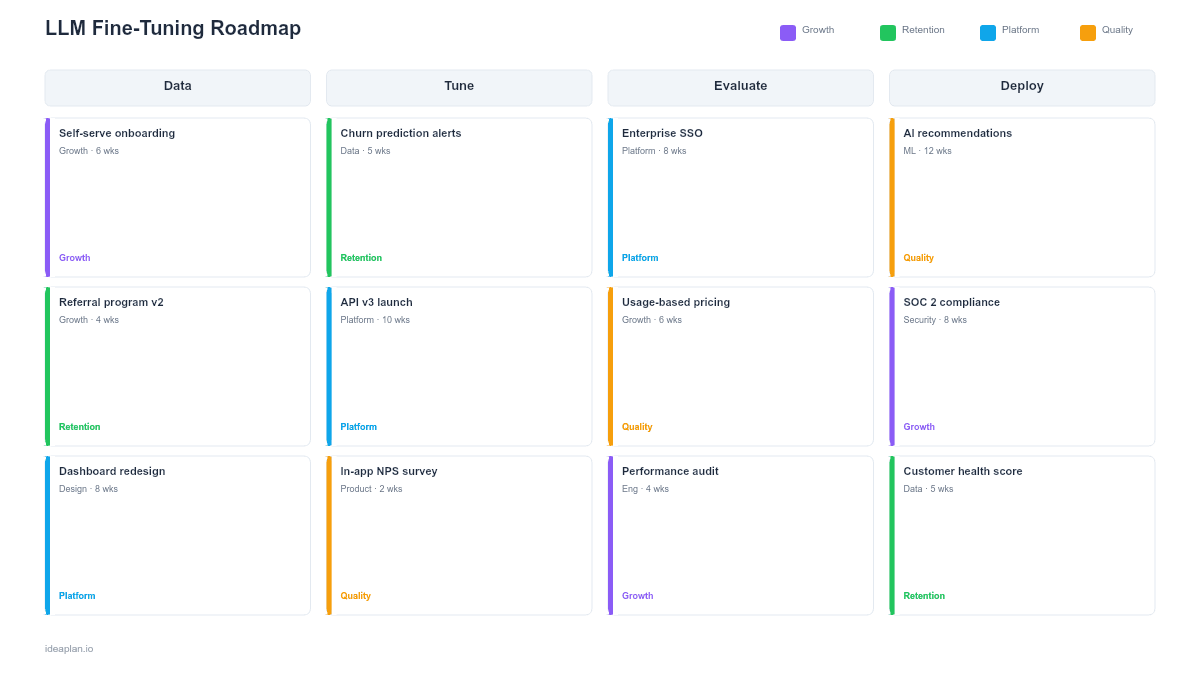
- Blank fine-tuning roadmap slide. Five phases arranged left to right (Data Prep, Config, Training, Evaluation, Deployment) with task cards, cost tracking, and quality gates between phases.
- Filled example slide. A customer support AI project fine-tuning a base LLM: 50K labeled conversations in data prep, hyperparameter grid search in config, three training runs with different data mixes, evaluation against prompt-only baseline, and staged rollout with A/B testing against the base model.
Why Fine-Tuning Projects Need a Structured Plan
Fine-tuning an LLM looks deceptively simple on paper: prepare data, run training, deploy the model. In practice, each step hides weeks of work and significant cost. Data preparation alone. Collecting, cleaning, formatting, and validating training examples. Typically consumes 60-70% of project time. Training runs cost real money in GPU hours. And the fine-tuned model may not outperform a well-prompted base model, making the entire investment a wash.
Without a structured roadmap, fine-tuning projects drift. Data prep extends indefinitely because "more data is always better." Training runs multiply because each hyperparameter change requires a new experiment. Evaluation gets rushed because the team is already over budget and behind schedule. The result is either a model deployed without proper validation or a project abandoned after burning through compute budget.
The LLM evaluation framework provides the evaluation methodology that this roadmap's quality gates enforce. For deciding whether fine-tuning is the right approach at all, the AI product lifecycle framework covers the build-vs-prompt decision.
Template Structure
Five Project Phases
Left-to-right columns represent the fine-tuning pipeline:
- Data Preparation. Sourcing training examples, cleaning and deduplicating, formatting into model-specific structures (instruction/response pairs, chat format), splitting into train/validation/test sets, and quality review by domain experts. Cards track data volume, source, and quality metrics.
- Training Configuration. Selecting the base model, defining hyperparameters (learning rate, batch size, epochs), setting up the training environment (cloud GPUs, training framework), and estimating compute cost. Cards track configuration decisions and their cost implications.
- Training Runs. Executing training jobs, monitoring loss curves, comparing runs with different configurations, and selecting the best checkpoint. Cards track run identifiers, compute cost per run, and validation metrics at each checkpoint.
- Evaluation & Comparison. Testing the fine-tuned model against the base model (with optimized prompts) on a held-out test set. Measuring eval pass rate, latency, and cost per inference. The critical question: does fine-tuning beat prompting enough to justify ongoing maintenance?
- Production Deployment. Deploying the fine-tuned model to serving infrastructure, A/B testing against the production baseline, monitoring for quality degradation, and establishing retraining triggers. Cards track rollout percentage and production metrics.
Quality Gates
Between each phase, a gate defines advancement criteria:
- Data Prep to Config: Training dataset meets minimum volume, passes quality audit, and validation set is held out.
- Config to Training: Compute budget approved, base model selected, hyperparameter search space defined.
- Training to Evaluation: At least one training run converges with validation loss below threshold.
- Evaluation to Deployment: Fine-tuned model outperforms prompted baseline on target metrics by a meaningful margin (typically 5%+ improvement on the primary metric).
Cost Tracker
A running cost bar at the bottom sums compute spend across all training runs and projected inference costs. Fine-tuning creates ongoing cost obligations. You are now hosting and serving a custom model. The AI cost per output metric helps compare the fine-tuned model's cost against API-based alternatives.
How to Use This Template
1. Define the fine-tuning hypothesis
Before any data work, state the hypothesis clearly: "Fine-tuning model X on dataset Y will improve metric Z by at least N% compared to the prompted baseline." This forces the team to articulate what success looks like and what the comparison benchmark is. If the prompted baseline has never been properly optimized, do that first.
2. Set data quality and volume targets
Determine the minimum training data volume for your use case. Task-specific fine-tuning (classification, extraction) can work with 1K-5K examples. Open-ended generation tasks typically need 10K-50K high-quality examples. Quality matters more than volume. 5K clean, diverse examples outperform 50K noisy ones. Budget time for expert review of training data.
3. Plan training experiments as a grid
Do not run a single training configuration and deploy the result. Plan a small grid: 2-3 learning rates, 2-3 data mixes, and 1-3 epoch counts. Each combination is a training run with tracked cost and evaluation scores. The grid typically takes 6-12 runs to find the best configuration. Budget compute accordingly.
4. Evaluate against the right baseline
The fine-tuned model must beat a well-optimized prompted baseline, not a naive prompt. Before claiming fine-tuning success, invest 1-2 days optimizing prompts for the base model using the prompt engineering for PMs guide. If optimized prompts close the gap, fine-tuning may not be worth the ongoing maintenance cost.
5. Plan for retraining before you deploy
Fine-tuned models become stale as your domain evolves. Define a retraining cadence (monthly, quarterly) and the data pipeline that feeds it. If you cannot afford ongoing retraining, reconsider whether fine-tuning is the right approach. A prompted model that uses retrieval-augmented generation may stay current without retraining.
When to Use This Template
An LLM fine-tuning roadmap is the right format when:
- Prompting alone does not achieve the quality bar for a specific AI feature after systematic optimization
- Domain-specific behavior is needed that the base model cannot learn from instructions and examples alone
- Consistent output format is required at a level that few-shot prompting cannot reliably deliver
- Cost reduction is a goal. A smaller fine-tuned model serving at lower cost than API calls to a larger model
- Multiple stakeholders need visibility into the timeline, cost, and quality tradeoffs of a fine-tuning investment
For managing multiple ML projects across their lifecycle, the machine learning roadmap template provides portfolio-level visibility. For the operational infrastructure that serves fine-tuned models, the AI ops roadmap template covers deployment and monitoring.
Featured in
This template is featured in AI and Machine Learning Roadmap Templates, a curated collection of roadmap templates for this use case.
Key Takeaways
- Fine-tuning projects move through five phases: Data Preparation, Configuration, Training Runs, Evaluation, and Deployment.
- Data preparation consumes 60-70% of project time. Budget accordingly and prioritize data quality over volume.
- Always compare the fine-tuned model against an optimized prompted baseline, not a naive prompt.
- Quality gates between phases prevent advancing without evidence that the fine-tuned model justifies its cost.
- Plan retraining infrastructure before deployment. A fine-tuned model without a retraining pipeline becomes stale.
- Compatible with Google Slides, Keynote, and LibreOffice Impress. Upload the
.pptxto Google Drive to edit collaboratively in your browser.