Quick Answer (TL;DR)
This free PowerPoint template organizes performance improvement work across four dimensions: latency, reliability, scalability, and perceived performance. Each dimension shows current benchmarks, target metrics, and the specific optimizations that will close the gap. Download the .pptx, plug in your performance data, and present a plan that makes the case for investing engineering time in speed and stability.
What This Template Includes
- Cover slide. Product name, current p95 latency, uptime percentage, and the business metric most affected by performance (e.g., conversion rate or churn rate).
- Instructions slide. How to identify performance bottlenecks, set realistic targets, and prioritize optimizations by user impact. Remove before presenting.
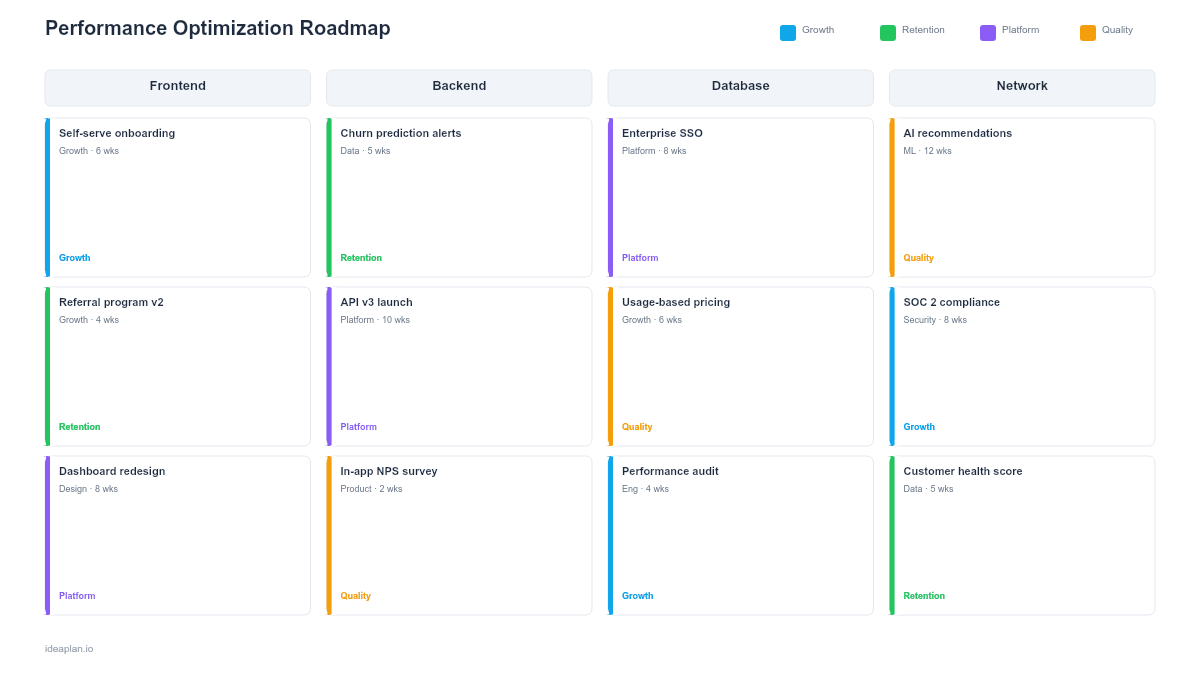
- Blank template slide. Four-column layout (Latency, Reliability, Scalability, Perceived Performance) with metric gauges, initiative cards, and a quarterly timeline.
- Filled example slide. A SaaS product targeting: p95 API latency from 1200ms to 400ms, uptime from 99.5% to 99.95%, database capacity from 10K to 50K concurrent users, and first contentful paint from 3.2s to 1.5s. Each column shows 2-3 specific optimizations with expected impact.
Why Performance Deserves Its Own Roadmap
Performance work competes with feature work for engineering time. Without a dedicated roadmap, it always loses. Product managers prioritize visible features over invisible infrastructure. Until performance degrades enough to cause churn.
By the time performance causes visible customer complaints, the problem is usually severe. Fixing it reactively costs 3-5x more engineering time than proactive investment because the team is now firefighting under pressure while trying to maintain feature velocity.
A performance roadmap changes the conversation from "should we work on performance?" to "which performance improvements have the highest impact on user experience and business metrics?" It gives engineering a clear mandate and gives product managers a structured way to balance speed against features.
Every 100ms of latency reduction correlates with measurable improvements in conversion rates and session duration. For most products, the data is already in your analytics. You just need to connect it to the performance work.
Template Structure
Four Performance Dimensions
The roadmap splits performance into four distinct areas:
- Latency. How fast the product responds. Covers API response times, database query times, and page load speeds. Measured at p50, p95, and p99 percentiles because averages hide tail latency problems.
- Reliability. How consistently the product works. Covers uptime, error rates, and mean time to recovery. Measured as percentage availability and incident frequency.
- Scalability. How much load the product can handle. Covers concurrent users, data volume limits, and throughput ceilings. Measured against projected growth targets for the next 12-18 months.
- Perceived Performance. How fast the product feels to users, regardless of actual speed. Covers first contentful paint, time-to-interactive, skeleton screens, and optimistic UI patterns. Measured through Core Web Vitals and user satisfaction surveys.
Metric Gauges
Each dimension has a gauge showing:
- Current value. Today's measured performance.
- Target value. Where you need to be by end of planning period.
- Threshold. The point below which users notice degradation. This is the minimum bar, not the goal.
Initiative Cards
Each optimization initiative includes:
- Initiative name. "Migrate to read replicas," "Implement edge caching," "Add skeleton loading screens."
- Expected impact. Quantified improvement: "Reduce p95 API latency by 300ms" or "Eliminate 40% of database bottleneck queries."
- Effort. T-shirt size estimate with the specific engineering skills required.
- Priority. Ranked by user impact. A 200ms improvement on the login flow matters more than a 500ms improvement on an admin settings page.
How to Use This Template
1. Baseline everything before optimizing
You cannot improve what you have not measured. Instrument p50, p95, and p99 latency for your top 10 API endpoints. Record uptime over the past 90 days. Load test to find your current scalability ceiling. If your monitoring is incomplete, make "establish baselines" the first initiative on the roadmap.
2. Identify the user-impact bottlenecks
Not all slow endpoints matter equally. A 2-second delay on the dashboard load page affects every daily active user. A 2-second delay on the annual billing export affects a handful of admins once a year. Rank performance issues by page load impact multiplied by traffic volume.
3. Set targets based on user experience thresholds
Research on user perception gives clear targets: under 100ms feels instant, under 1 second maintains flow, over 3 seconds breaks attention. Set your targets relative to these thresholds, not relative to competitors. A 50% improvement from 6 seconds to 3 seconds still feels broken.
4. Sequence by dependency and quick wins
Start with quick wins that build momentum and free up capacity for larger work. Enabling a CDN or adding database indexes can deliver measurable improvements in days. Larger architectural changes like migrating to a new database or rewriting a service should come after quick wins demonstrate the ROI of performance work.
5. Connect performance to business metrics
Before each review, pull the data that shows performance impact on business outcomes. Plot conversion rate against page load time. Show the correlation between API latency spikes and support ticket volume. This data keeps performance investment funded. The product metrics guide covers how to set up these correlations.
When to Use This Template
Performance optimization roadmaps are right when:
- Users are reporting slowness or abandoning flows due to load times
- Scaling limits are approaching and current architecture will not handle projected growth
- Technical debt has accumulated in performance-critical paths
- Engineering wants dedicated performance time but needs a structured proposal for product leadership
- An enterprise customer or SLA requirement demands specific latency or uptime guarantees
If your performance is healthy and the focus is on reducing code complexity rather than speed, the technical debt roadmap is the better fit.
Key Takeaways
- Performance roadmaps cover four dimensions: latency, reliability, scalability, and perceived performance.
- Baseline everything before optimizing. Measurement comes before improvement.
- Rank optimizations by user impact, not by technical complexity or ease of implementation.
- Connect performance metrics to business outcomes to keep investment funded.
- PowerPoint format lets you present performance investment alongside feature roadmaps in planning reviews, making the trade-offs visible to product and engineering leadership.
- Compatible with Google Slides, Keynote, and LibreOffice Impress. Upload the
.pptxto Google Drive to edit collaboratively in your browser.